



Direct answer: Before ordering a custom Samsung pet phone case, confirm the exact Galaxy model in the phone settings, choose a clear pet photo, and review how the artwork sits around the camera area and case edges. A case made for a different Galaxy generation or size may not align correctly even when the phones look similar.
Use the current custom pet phone case collection to confirm available device choices. Palette Tales currently lists supported Samsung Galaxy families in the live model selector; the selector at checkout is the authority because availability can change.
Find the exact Samsung model name
Do not identify the phone only by screen size, color, or the number of camera circles. Open the device settings and read the model name. Galaxy base, Plus, and Ultra versions can have different dimensions and camera layouts within the same generation.
Record the generation and version together, such as Galaxy S24, S24 Plus, or S24 Ultra. If the option list uses a slightly different naming format, match the complete model rather than selecting the closest-looking choice.

Separate compatibility from artwork quality
The phone case compatibility guide addresses device selection. Photo quality is a separate decision. A correct model cannot restore a blurred eye or a clipped ear, while a sharp photo cannot correct the wrong camera opening.
Treat these as two independent gates: first verify the device, then evaluate the source image. Both must pass before the design can be reviewed confidently.
Choose a photo with room for the crop
Use the pet phone case photo guide to check focus, light, facial detail, and edge space. A tight photo can force ears or whiskers toward the edge. More background around the pet gives the composition room to adapt to a narrow case.
Use one primary image. Additional photos can clarify coat markings or eye color, but they should not compete with the main pose. Avoid heavy filters that change the pet’s real colors.
Account for the camera area
The upper part of a phone case is not an uninterrupted canvas. Camera openings occupy space and vary by model. Important features should not sit so close to that area that the design feels unbalanced. The preview should show whether the pet remains the clear focus.
Do not assume a product image for one device proves the layout for another. Product photography can demonstrate the case format, while the selected model and approved artwork determine the final placement.

Check artwork scale on a small object
A phone case is viewed at arm’s length and handled every day. Fine background details that look strong on a wall portrait may be less readable on a case. Prioritize the face, expression, and distinctive markings before decorative complexity.
The custom pet phone case buyer guide explains broader product and gift considerations. This Samsung guide remains focused on exact model selection and layout constraints.
Review the preview before approval
Follow the preview and revision process and check likeness, scale, crop, and empty space. Confirm that the design feels balanced and that requested text, if any, is correctly spelled.
A preview is not permission to infer unlisted technical features. Do not assume MagSafe, wireless-charging performance, drop protection, or another capability unless the current product information explicitly confirms it.
Samsung case ordering checklist
- Read the exact Galaxy model in device settings.
- Match generation plus base, Plus, or Ultra version.
- Choose a sharp pet photo with edge space.
- Keep the face and distinctive markings visually dominant.
- Review placement around camera and outer edges.
- Approve only after the model and artwork details are correct.
Frequently asked questions
Can I choose a case based on screen size?
No. Similar screen sizes do not guarantee identical case dimensions or camera layouts. Use the exact model name.
Can one case fit several Galaxy generations?
Do not assume cross-generation compatibility. Select the exact supported option shown in the current product selector.
Does the preview prove the case material?
No. The preview shows artwork placement. Physical material and supported features must come from current product information.
What if my model is not listed?
Do not select a different model as a substitute. Pause and confirm availability before ordering.
Check the option again immediately before ordering
Model availability can change as product lines are updated. Reopen the selector instead of relying on an older screenshot, saved cart, or memory of a previous order. If a device is absent, that is a reason to pause, not to choose the nearest name. Compare every word in the model label, including Plus or Ultra.
Keep artwork and device evidence separate
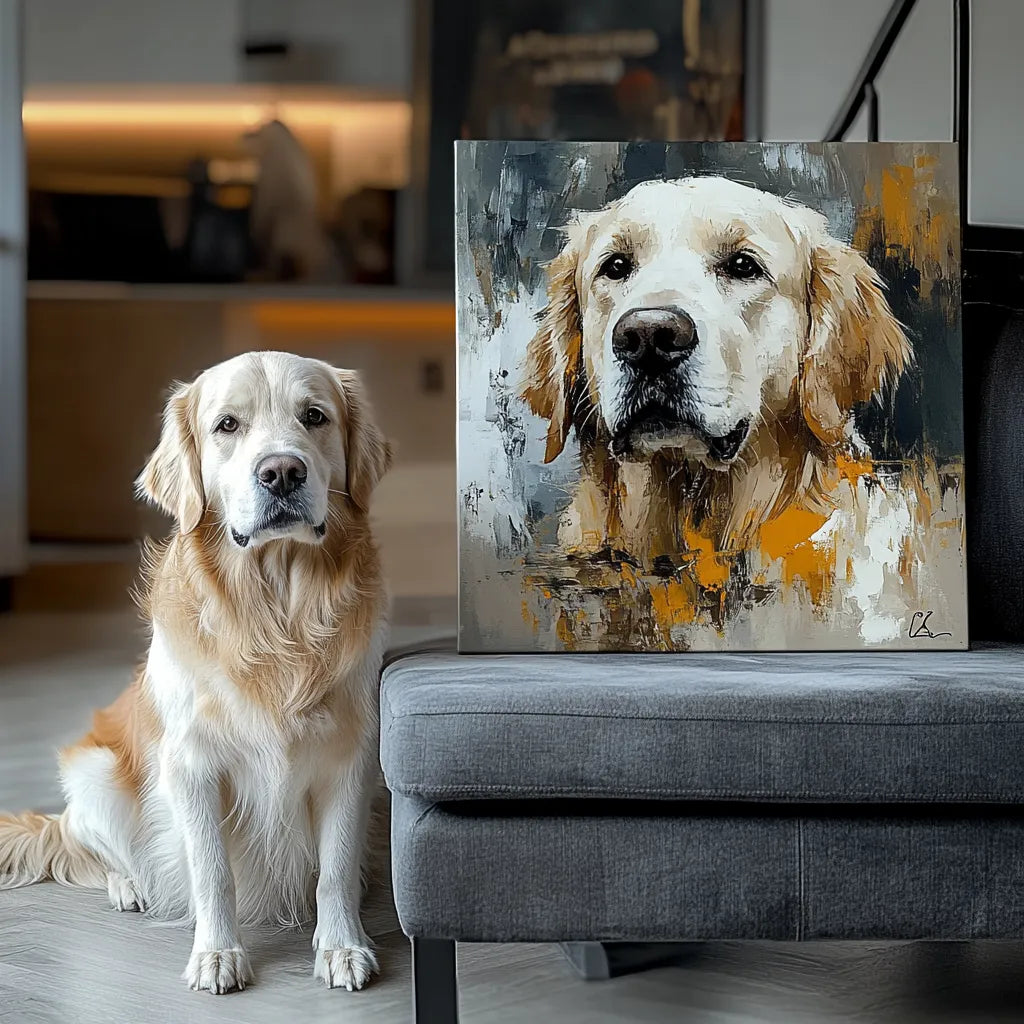
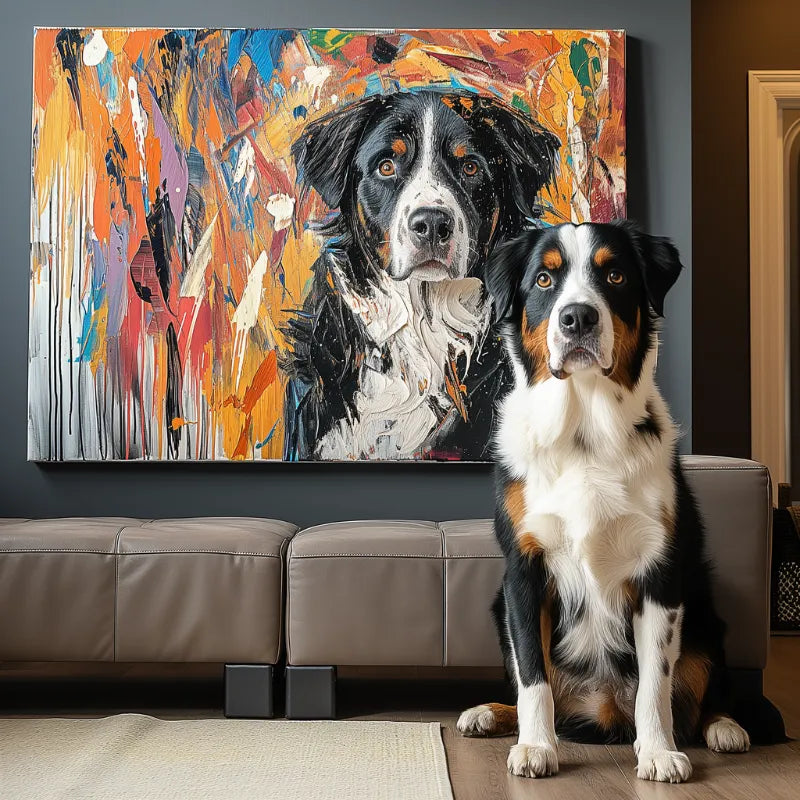
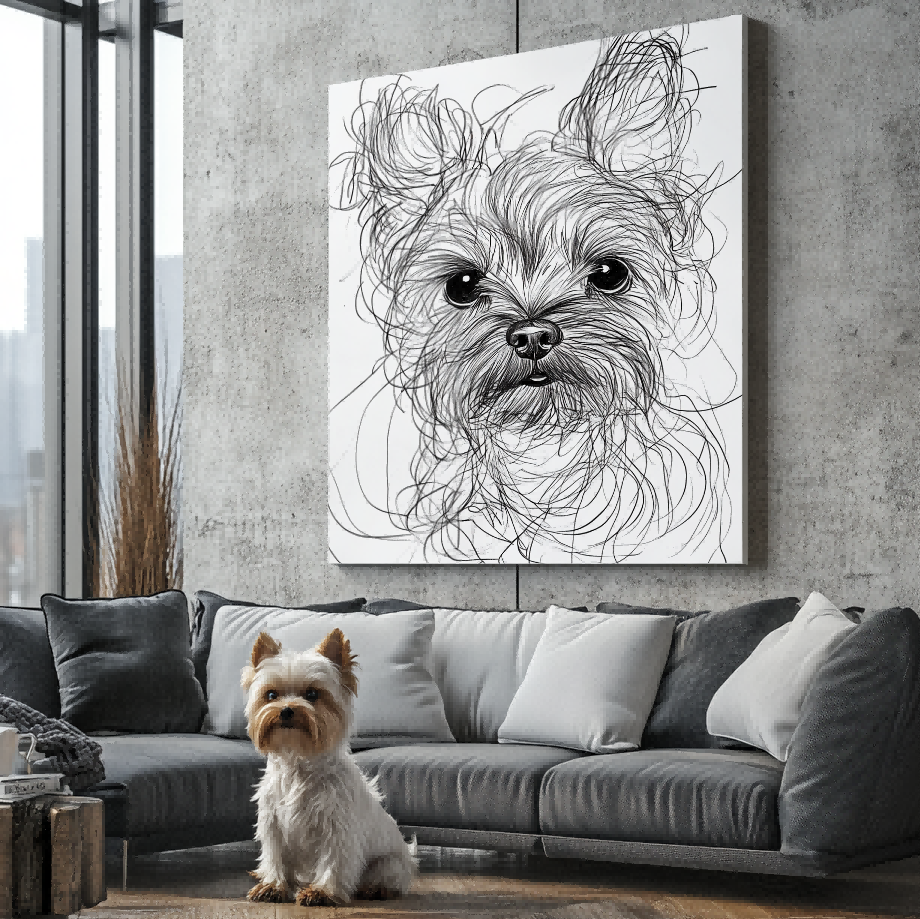
Customer artwork can show how a pet may be interpreted. Product images can show the phone-case format. The selected model proves the intended compatibility choice. Combining those kinds of evidence without labeling them can mislead buyers, so this guide keeps each role explicit.
Do not infer that a product image depicts the exact customer order or exact device unless that relationship is documented. Use the current selector and readback as the operational evidence.
Final decision
A strong custom Samsung pet case order begins with exact device identification. Pair the correct model with a clear photo and a carefully reviewed crop; do not replace those checks with assumptions based on appearance.


