

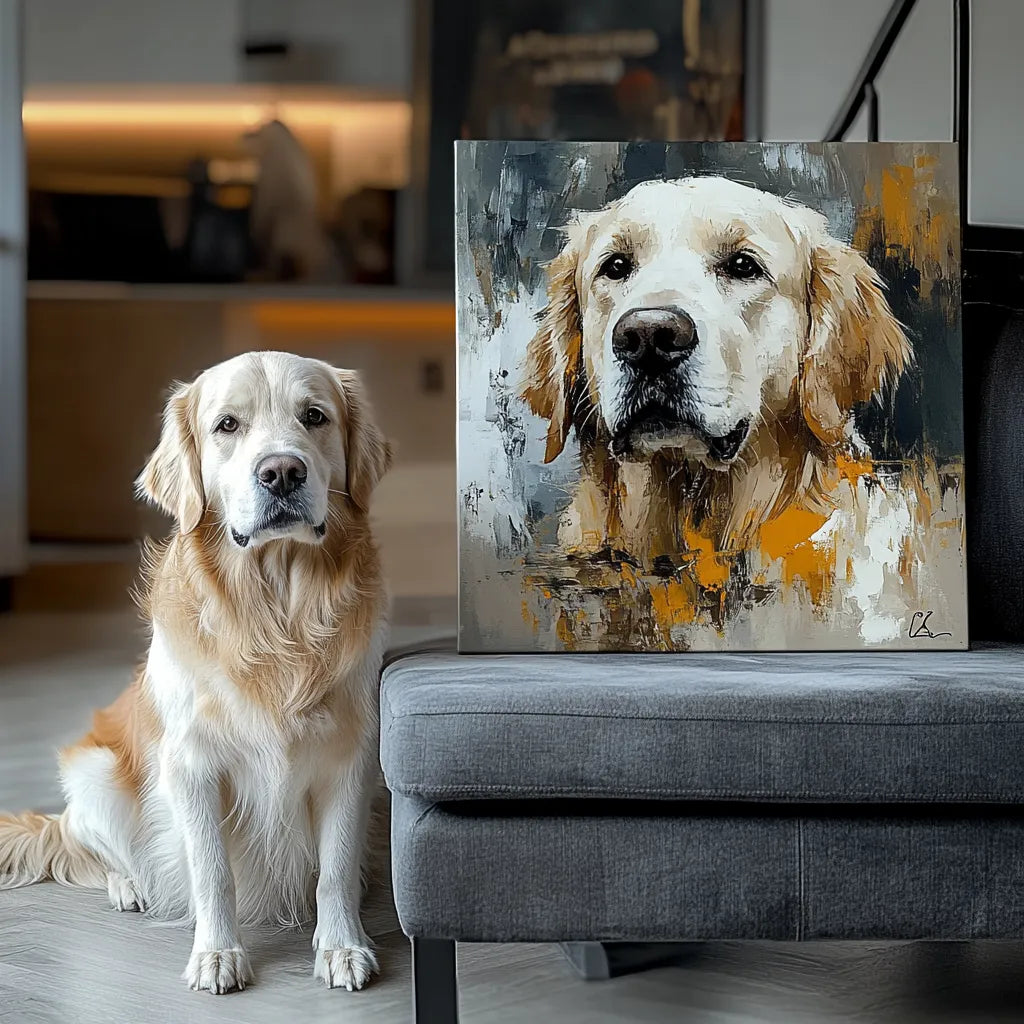
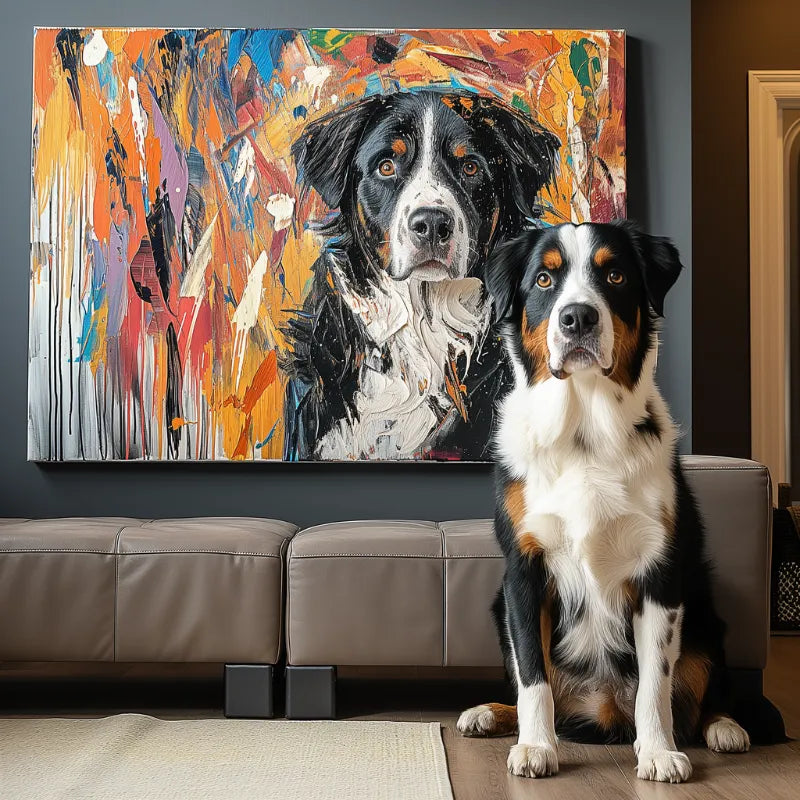

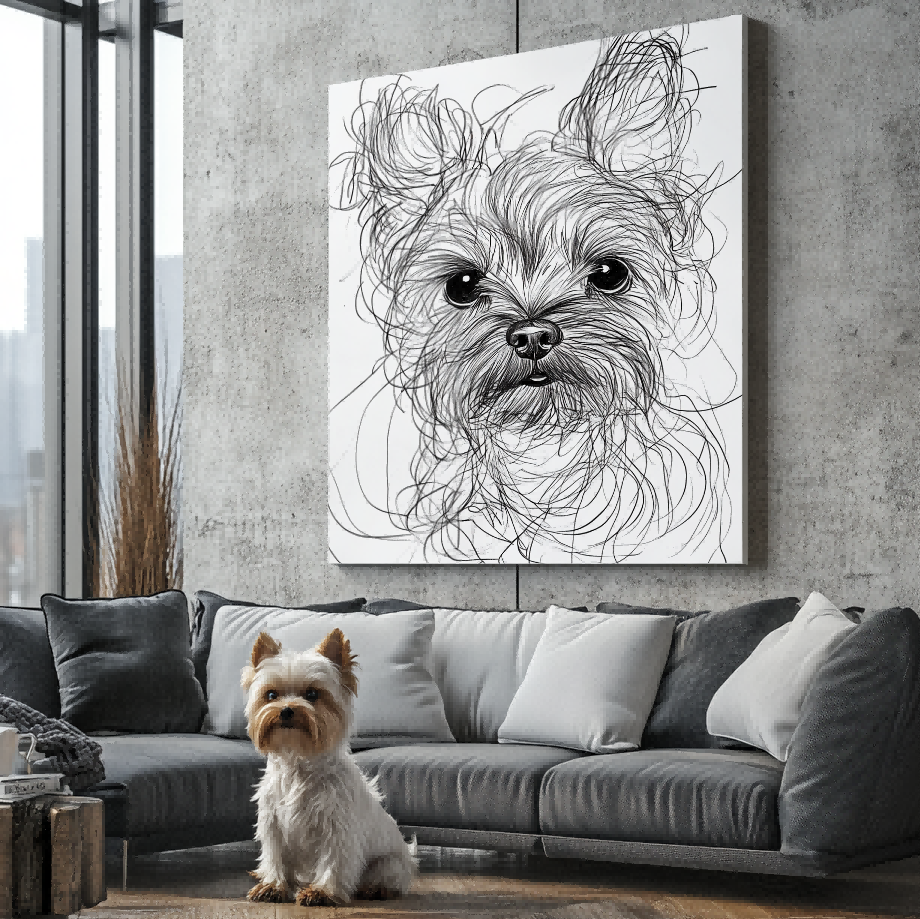

Quick answer: A small reflection may be manageable when the eye shape, direction, and surrounding features remain visible. Heavy glare, red-eye, or a blown highlight can hide color and expression. A clearer supporting photo is stronger evidence than a written guess about what the eye should look like.
This is an eye-detail evidence question, separate from the general Best Photo checklist and the broader likeness owner. The goal is to make one decision easier without turning a narrow question into another general pet portrait guide.
Start with the evidence you actually have: the original files, the pet’s recognizable features, the intended display, and the options shown on the live product page. Attractive examples help explain a choice, but they cannot verify a material, editing capability, revision allowance, delivery time, or accessory that is not stated elsewhere.
Distinguish catchlight from lost detail
A natural catchlight can make an eye feel alive; glare that covers the iris removes evidence. Zoom only enough to see whether the pupil, iris, and eyelid remain understandable.
Do not treat every bright spot as a defect. This is a decision check, not a promise that Palette Tales or another provider can perform an unlisted edit, combine files, or guarantee a particular result. Confirm the currently published product and support information before ordering.
Check both eyes independently
One clear eye may establish color while the other shows expression. Compare symmetry, gaze direction, and visible markings.
A supporting photo should show the same pet under neutral light. This is a decision check, not a promise that Palette Tales or another provider can perform an unlisted edit, combine files, or guarantee a particular result. Confirm the currently published product and support information before ordering.
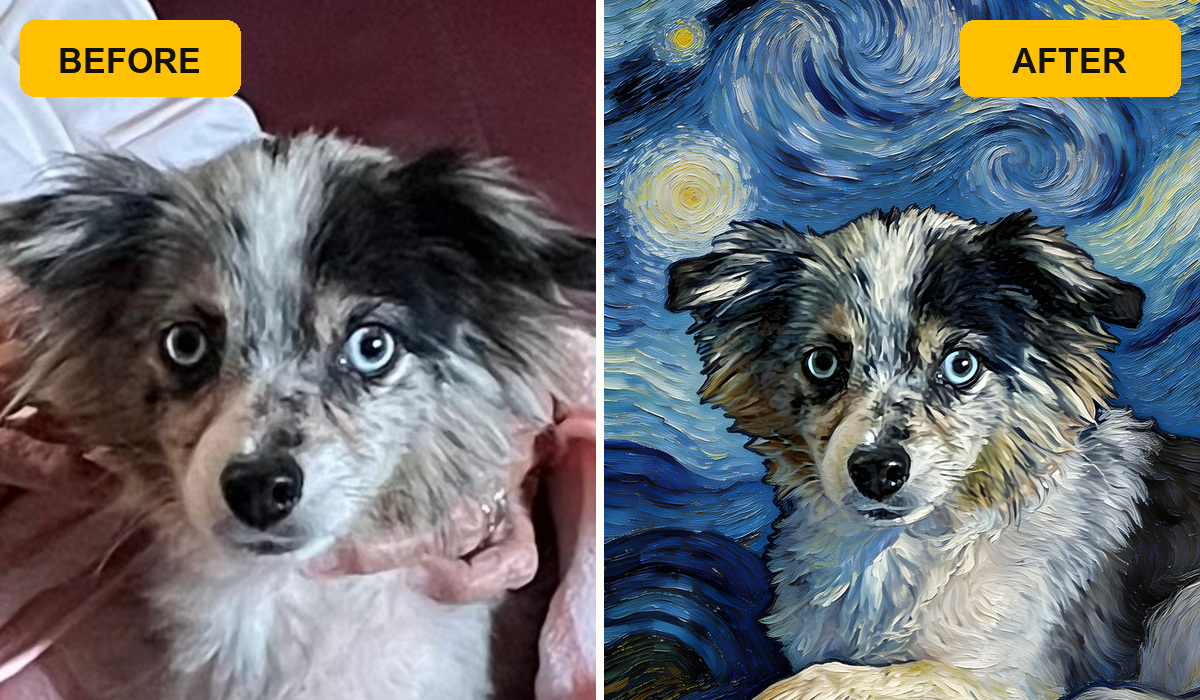
Avoid color instructions without evidence
Writing “make the eyes brown” is weaker than supplying a clear brown-eye reference. Use notes to identify the correct supporting image.
No article can guarantee restoration of hidden color. This is a decision check, not a promise that Palette Tales or another provider can perform an unlisted edit, combine files, or guarantee a particular result. Confirm the currently published product and support information before ordering.
Inspect flash and compression
Phone flash can create red-eye; messaging apps can smear fine edges. Return to the original camera file when possible.
Separate capture problems from later compression. This is a decision check, not a promise that Palette Tales or another provider can perform an unlisted edit, combine files, or guarantee a particular result. Confirm the currently published product and support information before ordering.

Review the preview at normal size
Tiny screen zoom can exaggerate a highlight that disappears at viewing distance. Check overall recognition first, then the eye detail.
Follow the current preview process rather than assuming revision terms. This is a decision check, not a promise that Palette Tales or another provider can perform an unlisted edit, combine files, or guarantee a particular result. Confirm the currently published product and support information before ordering.
Compare two candidates without guessing
Place candidate A and candidate B beside each other at the same on-screen size. First, cover the background and compare only the pet’s eyes, muzzle, ears, markings, and familiar outline. Next, look at the empty space around the subject and decide whether the intended crop has enough room. Finally, view both files at roughly the size the finished face will be seen, because extreme zoom can reward pixels that do not improve recognition. Record one strength and one limitation for each candidate. This makes the choice traceable and keeps a favorite emotional moment from being rejected for a minor issue—or selected when a hidden detail is essential to the requested composition.
A five-minute decision method
- Write the single outcome you want the portrait to preserve.
- Choose one main photo or visual direction and label any supporting evidence.
- Check identity, composition, and technical clarity as separate questions.
- Compare the choice at normal viewing size instead of judging only at extreme zoom.
- Verify current product facts and ask before relying on an unlisted capability.
If the decision exposes a broader problem, use the related guide 1, related guide 2, related guide 3. Those pages retain ownership of general photo quality, crop, likeness, style, preview, or display questions; this page should not replace them.
Questions to ask before ordering
Can written notes replace a missing visual detail?
No. Notes can point to a visible feature or label a file, but they cannot recreate information the image never captured. A clearer supporting photo is stronger evidence.
Does an example prove the same option is included now?
No. Examples explain visual reasoning. Current size, format, personalization, accessories, timing, and process must be verified on the live commercial destination.
Should a low-resolution screenshot be the main source?
Use the highest-quality authorized original available. Screenshots and social copies may be useful for context, but compression can remove detail that matters to recognition.
Next step
Make the narrow decision first, then review the broader photo, style, size, and display owners linked above. When you are ready to inspect currently available formats, explore custom pet portraits and verify the live facts before ordering.


