

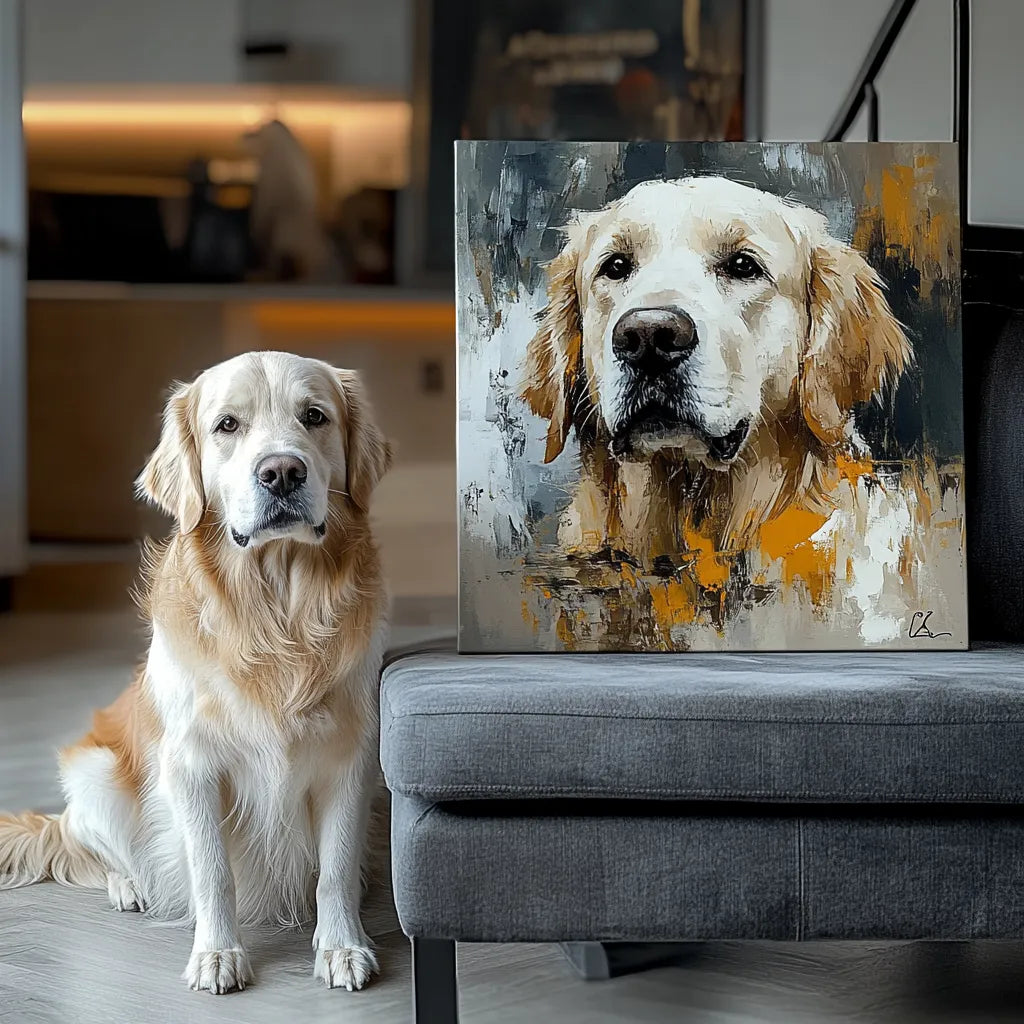
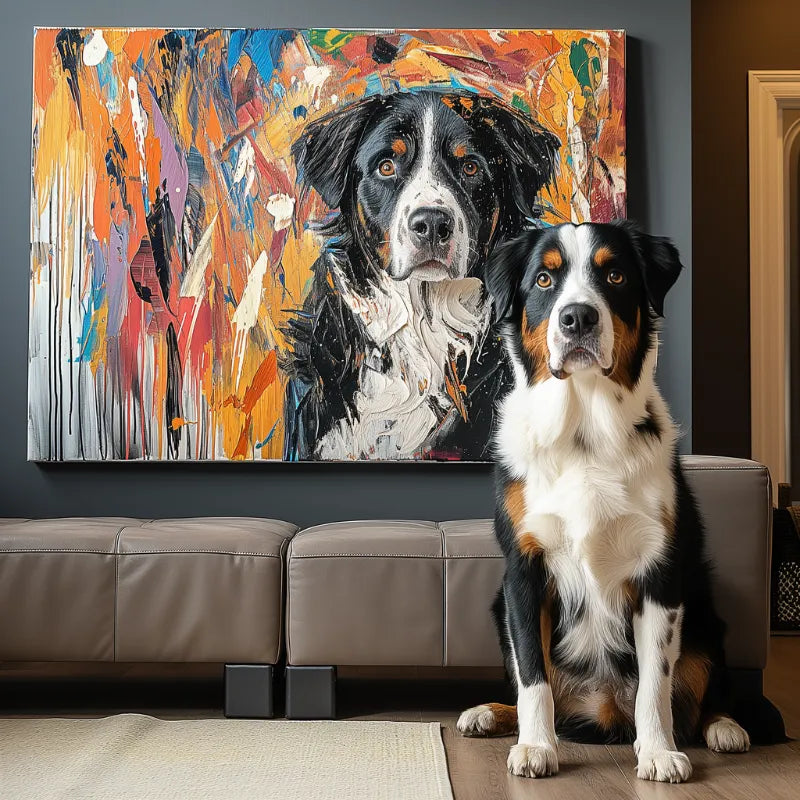

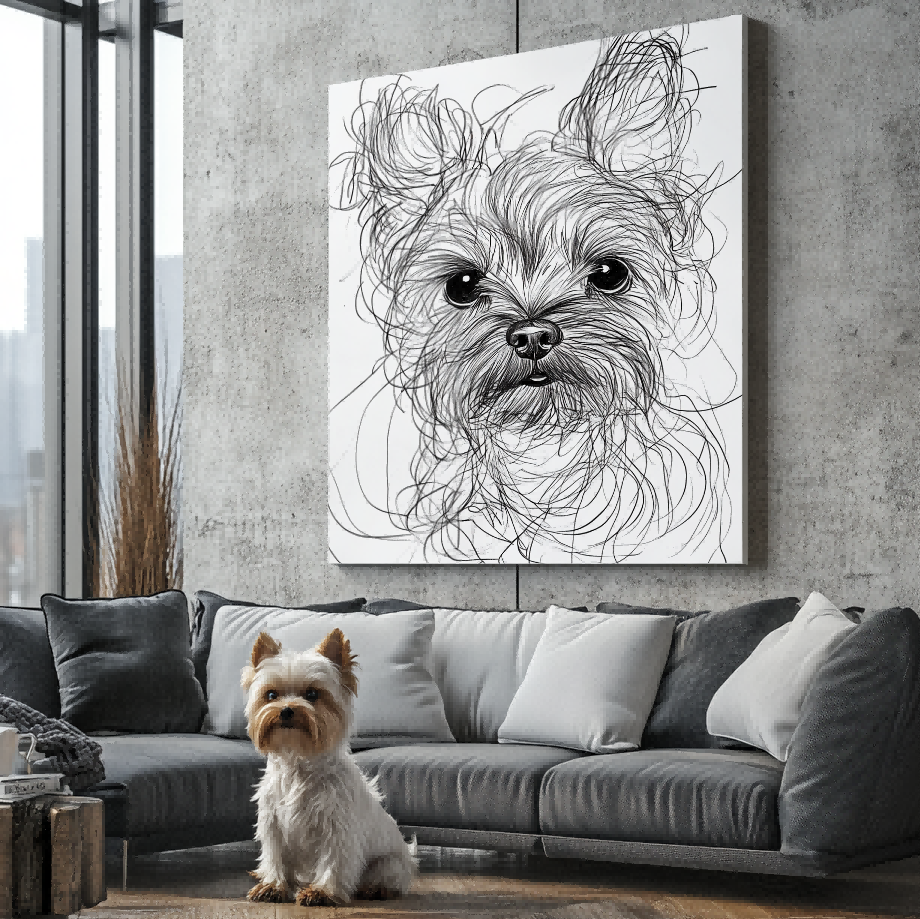

Direct answer: The best pet photo for a custom tote bag is sharp, well lit, and spacious enough around the ears, face, or full body to adapt to the bag’s orientation. Choose the expression you recognize most, keep an uncropped original, and review the final artwork at both full and reduced size.
Begin by confirming the current custom pet tote bag options. A good photo cannot correct the wrong product choice, and a product image cannot repair missing detail in the source photo.
Prioritize the eyes and distinctive markings
Focus should fall on the face, especially the eyes and muzzle. Check whether coat patches, ear shape, whiskers, and other familiar details remain visible. Motion blur and digital zoom can remove information that looks acceptable on a small phone screen.
Natural or even light is usually easier to interpret than harsh backlighting. Avoid strong color filters that change the pet’s real appearance.

Leave room for the bag shape
Use the pet portrait tote bag size guide to compare orientation and scale. A tight portrait crop may not adapt cleanly to every bag format.
Keep space around ears, paws, and tails. If the photo includes a full-body pose, check that important features are not already touching the image edge.
Use one primary photo
The broader pet photo guide explains general photo quality. For a tote, identify one primary pose. Extra photos can clarify eye or coat color but should not create uncertainty about the final composition.
For multiple pets, use reasonably compatible angles and lighting. Name each pet clearly in the order instructions.

Decide whether the background helps
A simple background can be easier to adapt than a busy room. The original setting does not need to be preserved when the pet is the intended subject. Tell the artist if an object, collar, or pose detail must remain.
Plan text separately
If the selected design supports a name, use the personalized pet name tote guide to check wording and placement. Text should support the pet rather than cover important features.
Review the artwork evidence
Use the Customer Preview Gallery for composition examples. A preview is artwork evidence and should not be presented as proof of an unshown physical tote or customer purchase.
Photo checklist
- Eyes and face are in focus.
- Lighting preserves real coat color.
- Ears and important features are not clipped.
- An uncropped original is available.
- One image is identified as primary.
- The crop remains clear at tote scale.
Review the tote composition at two distances
First inspect the face and markings closely, then step back or reduce the preview to approximate how the artwork reads while the tote is being carried. A composition can be technically detailed yet lose the pet’s identity at normal viewing distance. Check that handles, seams, and the edge of the printable area do not compete with the eyes or name. If the design feels crowded, simplify the crop or remove secondary text instead of adding more source images.
Frequently asked questions
Can I use a screenshot?
Use the original photo when possible because screenshots may reduce detail.
Can the background be removed?
The artwork process may simplify the original setting; confirm the intended result in the preview.
Can I use separate photos for two pets?
Yes when each image is clear and the final composition remains readable.
Should I submit several poses?
Choose one primary pose and label other images as references.
Final decision
Choose the photo that best preserves identity, not simply the most dramatic scene. Clear facial detail and flexible crop space give the tote artwork a stronger starting point.


