

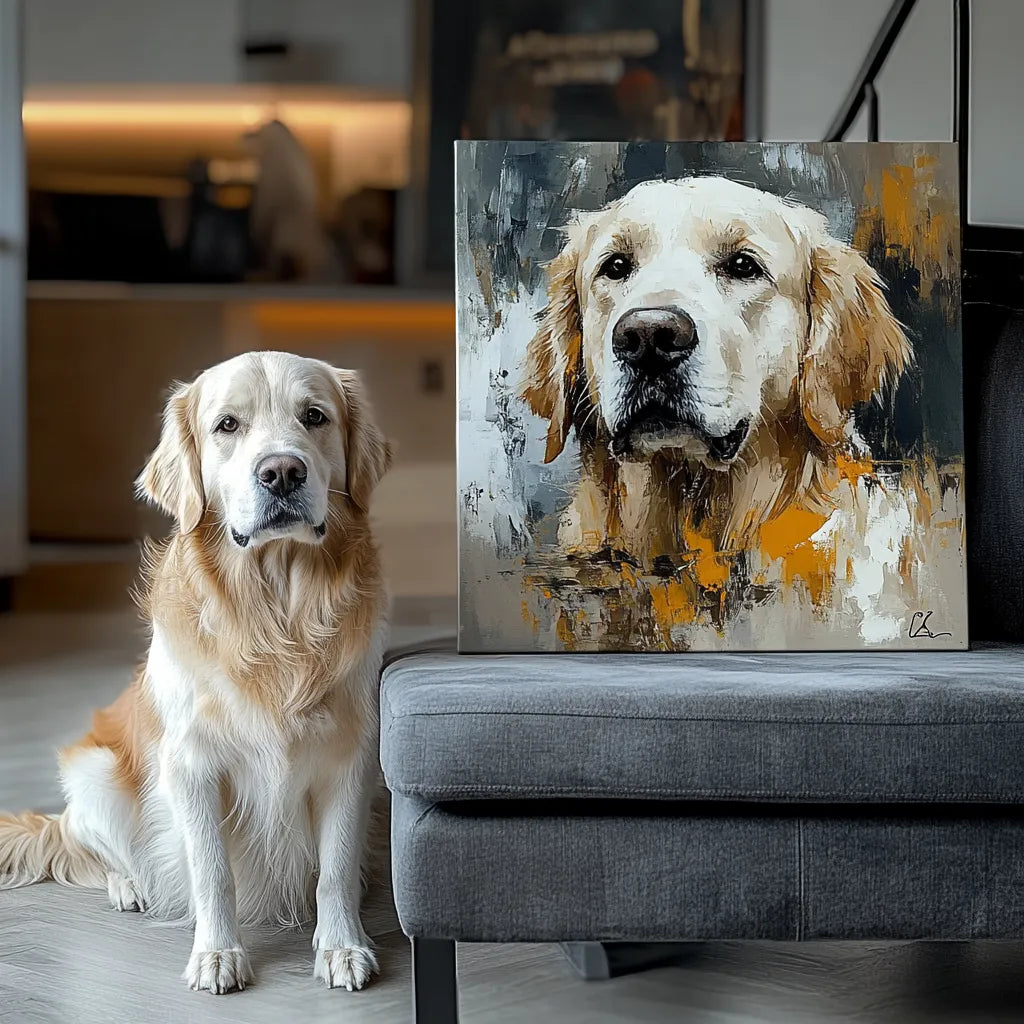
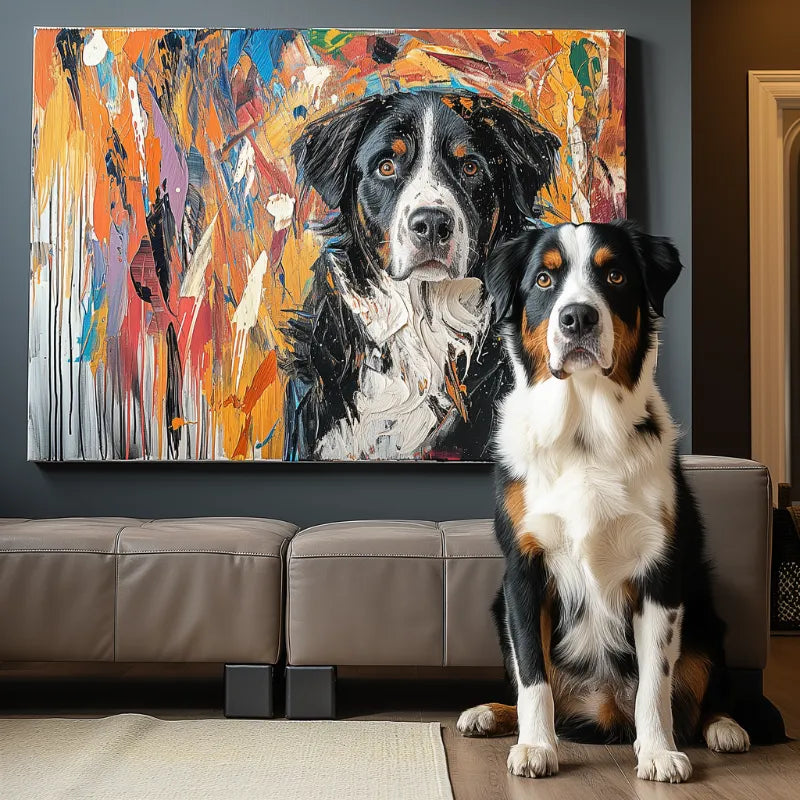


For a long-haired dog or cat, the most useful portrait reference photo does not need to show every strand. It needs to preserve the shape of the face, the eyes, the outline of the ears and chest, and any markings that make the animal recognizable. Fluffy coats can hide those features when the light is flat, the background has the same tone, or a phone filter softens the fur edge.
This is a photo-selection guide, not a promise that a particular texture, grooming state, or individual hair will be reproduced in artwork. Start from the clearest original image you already have and use the following checks before deciding whether a new photo is necessary.
Find the eyes through the fur
Long bangs or heavy brow fur can cover an eye even when the photo looks charming at a glance. Zoom into the original file: can you identify both eye areas, the muzzle, and the pet’s normal expression? The goal is not to comb the coat into a different shape for the camera. A candid image may be the most personal one, but an eye hidden by hair gives less identity information than an equally familiar image with the face visible.
Compare the favorite image with a second frame taken from a similar angle. If the pet’s hair has changed since the chosen photograph, decide which life stage you actually want represented. Do not assume a seller can reconstruct an eye, ear, or coat pattern that no photo shows.
Separate light fur from a pale background
A cream or white fluffy pet against a bright wall may lose the edge of its ears and chest. Try a position with soft light from the side and a background that gives the coat a visible outline. Avoid strong direct flash if it washes out the face or bothers the animal. The important check is whether the original file still shows the silhouette and the eyes—not whether the backdrop looks professionally styled.

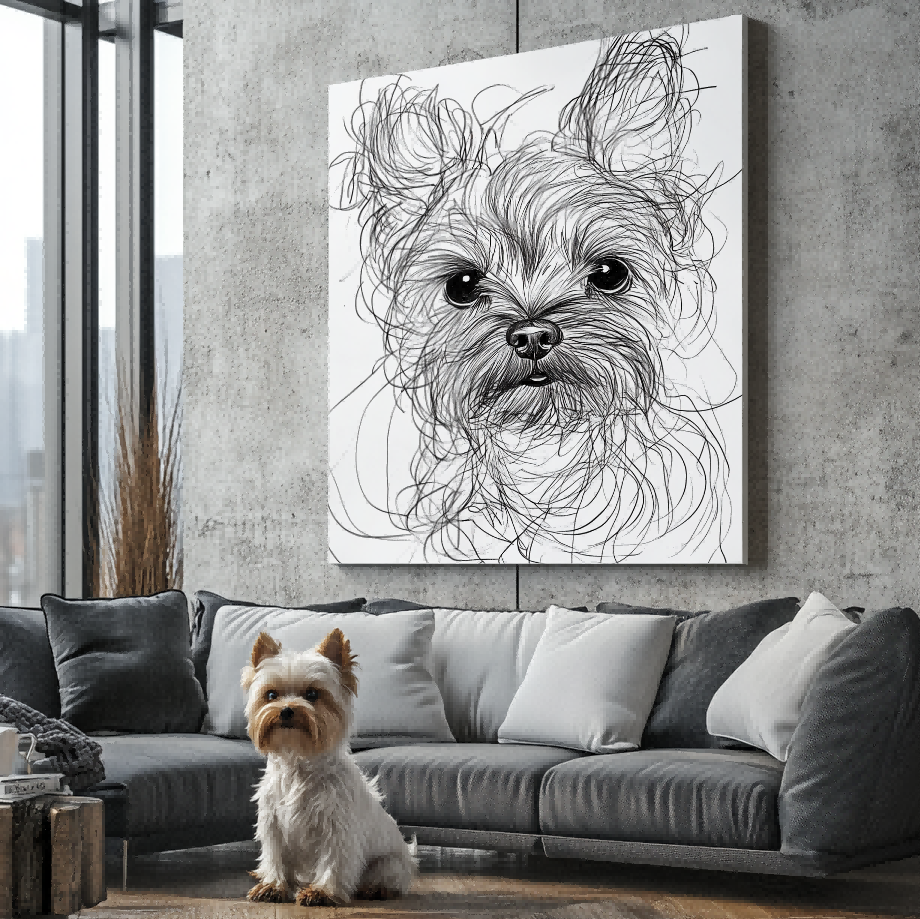
In this example the small dog’s original face and coat outline are visible against its surroundings. The artwork changes the image’s visual treatment, so evaluate the recognizable pet rather than expecting each fine hair to match a pixel in the source. For a pale pet with a different coat pattern, use your own clear original as the decision evidence.
Give dark fur enough light to show its shape
With a dark long coat, the issue can be the opposite: the face, ears and chest blend together. A photo near a window or in open shade may reveal more useful detail than a backlit silhouette. Look at the original exposure on a normal screen without relying on an automatic brightening preview. If you cannot see the muzzle and eyes, a stylized portrait example cannot establish those unseen details.

The black-dog photo guide owns the broader dark-fur exposure question. This page adds the long-coat edge: even when the eyes are visible, check whether feathered ears and chest fur still have a clear outline against the background.
Leave breathing room around ears, whiskers and tail
A tight crop can accidentally cut off the feature that makes a fluffy pet distinctive. Step back enough to include the full ear tips and the relevant chest or tail fur, then decide later whether the intended portrait should be head-and-shoulders or full-body. Do not crop the only original file destructively. Preserve the full frame so a format decision can be made with more information.
For cats, pay particular attention to whisker edges and fine fur around the cheeks. A portrait-mode blur or aggressive background-removal filter may merge those details into an artificial halo. Save an unfiltered original. The existing cat-photo guide covers feline posing and focus more broadly; the long-haired issue here is the visibility of coat boundaries.
Check the file, not just the thumbnail
A social-media image may look sharp at small size while fur texture disappears when enlarged. Open the original file and check the eyes, nose, ear edge and a small patch of coat at realistic viewing size. Avoid repeated message-app forwarding when you can share the original. A slightly imperfect but detailed file is often more useful for evaluation than a heavily filtered copy with a polished background.
If the favorite pose is soft but a second authorized photo clearly shows a missing marking, keep both and check the live ordering terms before sending them. Multiple references may help explain the pet’s identity, but do not assume they will be combined or that a particular edit is included. The reference-photo guide handles that question.
A quick long-coat checklist
- Are the eyes and muzzle visible despite bangs, beard, or cheek fur?
- Can you trace the ear, chest and tail outline against the background?
- Are the colors and markings clear in the original, not only an enhanced preview?
- Is enough of the pet in frame to support the crop you want?
- Does the photo show the pet in a familiar grooming state?
After these checks, use the Best Photo Owner for the general quality decision. Then explore the current Custom Pet Portrait Collection to verify available formats and photo requirements. The pictured examples are evidence of how real source images can be evaluated, not a guarantee of a specific artistic or physical outcome.


