

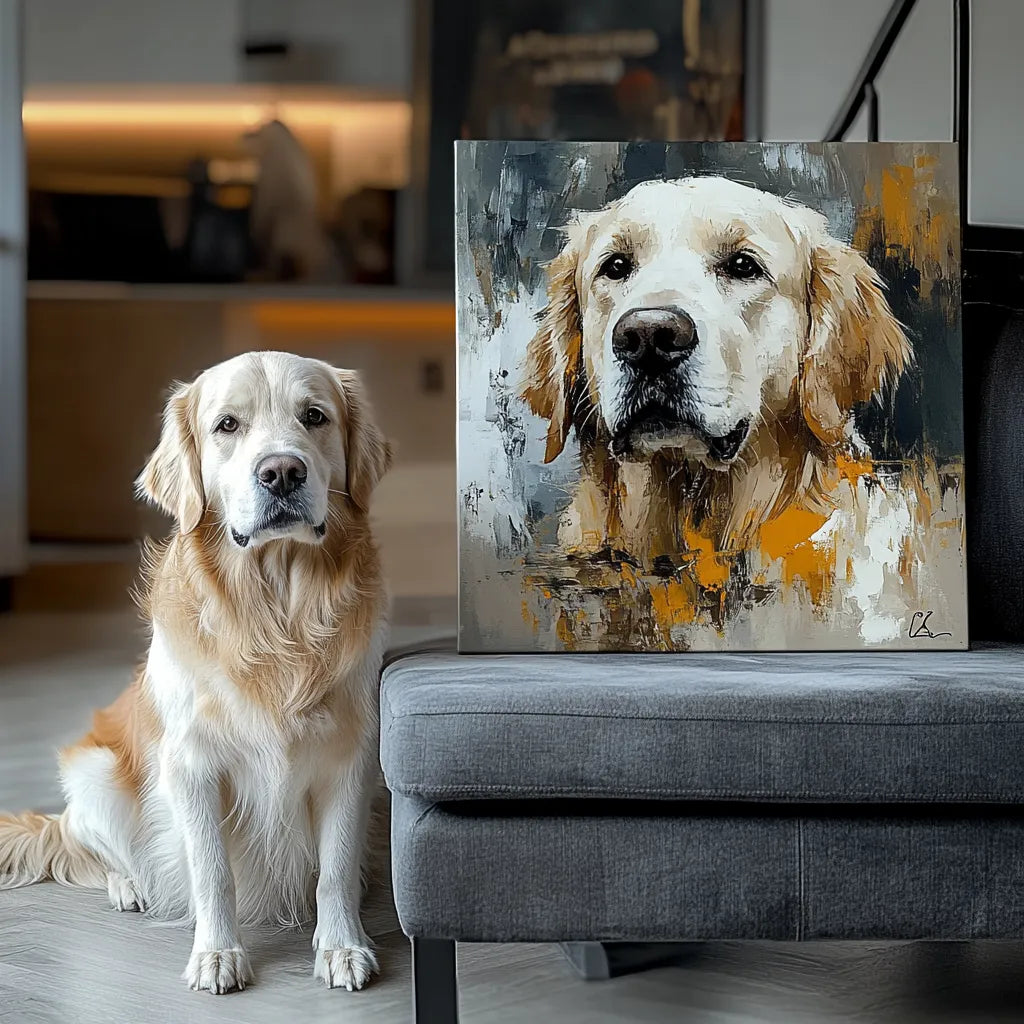
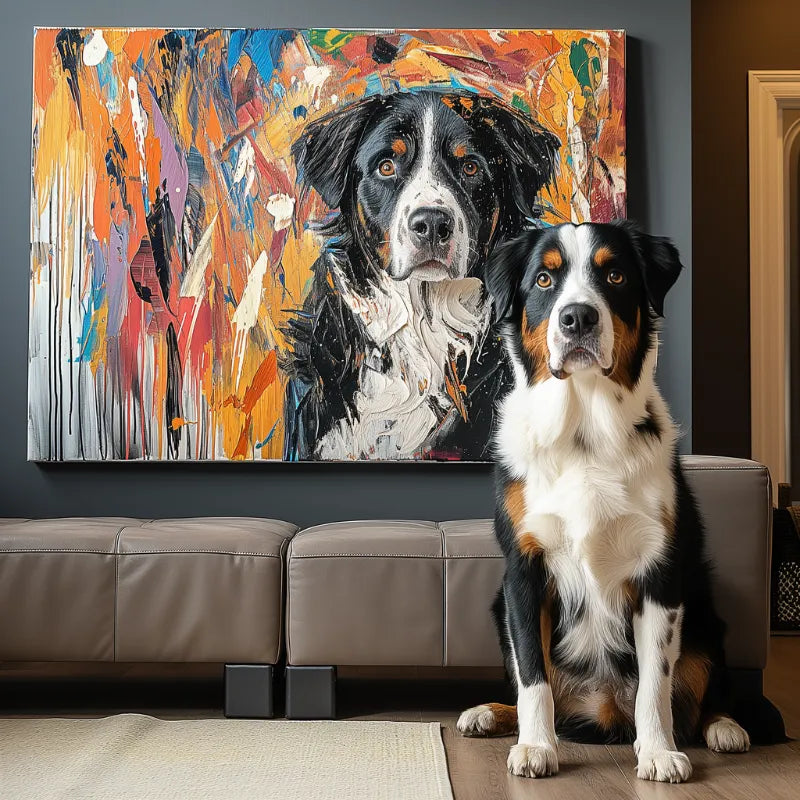

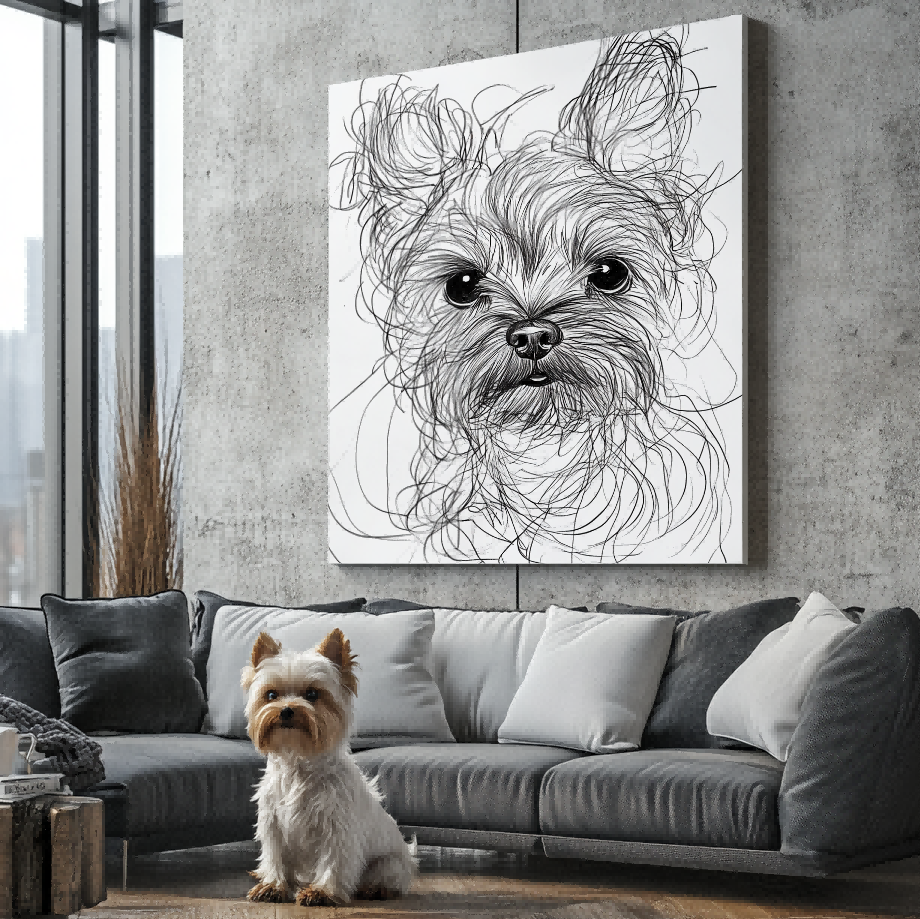

A pet portrait mockup and a real product photograph can both help you shop, but they prove different things. A mockup places artwork into a clean frame, room, or product template so you can imagine the design. A physical photo shows an item that existed in front of a camera. Confusing the two can lead you to assume an unshown frame, texture, size, depth, or finish.
The goal is not to reject mockups. It is to read each image according to its evidence role and then verify the facts that matter on the live listing.
What a mockup can show well
A styled presentation can make composition easier to understand. It may show how a vertical portrait could read above furniture, how colors interact with a neutral room, or how an artwork might look at a glance. It is especially useful before a personalized item exists, because the seller cannot photograph every customer’s future design.
But visual scale may be illustrative. Room furniture, frame borders, shadows, and surface texture can be digitally added. Unless the caption and product facts say otherwise, do not treat those elements as included components or measured dimensions.

What a physical product photo can add
A photograph taken from an angle can reveal edges, thickness, reflections, corners, and how artwork sits on a real object. A handheld or tabletop image can provide useful scale context, although perspective and lens choice still affect apparent size. A close view may show surface character, but it does not automatically establish material specifications or long-term performance.
Look for more than one angle when physical form matters. Front views explain the artwork; angled views help verify depth and edge treatment; in-use photos show context. No single image should be forced to answer every question.

How to spot a styled composite
Perfectly repeated frames, identical shadows across many designs, artwork that sits unusually flat, or a room used with multiple unrelated products can indicate a mockup. That is not evidence of deception by itself. Many personalized sellers need templates to present designs consistently. The important question is whether the image is labeled clearly and supported by real product evidence elsewhere.
Captions such as “preview,” “design view,” “room visualization,” or “product image is an example” provide useful context. If the label is absent, ask whether the image shows a finished customer item or a visual simulation.
Separate customer preview from product photography
A customer preview may show the artwork for approval before it is applied to a physical format. It is strong evidence for likeness, crop, background, and text. It may not show surface, frame, packaging, or true physical scale. Review it with the customer preview checklist, then use product photographs and written facts for the item itself.
A before-and-after image likewise proves a visual transformation, not necessarily what arrives in the box. Ask whether the right side is a digital preview, a scan, or a photograph of the finished product.
The real before-and-after guide shows how to evaluate photo-to-artwork changes without confusing the preview with the physical format.
Watch for image-role mismatches
A page may describe a framed product while showing an unframed artwork preview, or list several sizes beside one generic room scene. Those combinations are not automatically wrong, but the image and selected variant must not be treated as interchangeable facts. Read variant labels and captions before drawing conclusions.
Also check whether a close-up belongs to the same style and product family as the main image. A texture detail from one item should not silently prove the surface of another. When evidence is reused across a collection, written product facts become even more important.
Verify claims in text, not from pixels
Use the current product page for exact dimensions, material, included frame, available orientation, care instructions, and delivery terms. Do not measure a mockup with on-screen furniture or identify a substrate from visible texture alone. If a listing names a material or finish, check that the selected variant uses the same specification.
The service comparison guide can help you record which sellers provide preview evidence, physical product photos, and current written specifications.
Use an evidence stack
A confident decision usually combines several sources: a photo-to-artwork example for likeness, a physical product photo for form, a mockup for placement, and live text for specifications. Reviews may add experience, but they should not replace current facts. If the images conflict with the selected product description, pause and ask for clarification.
For gifts, save the key screenshots or links you relied on, especially the selected variant and promised included components. Product pages can change, while your order confirmation should preserve what was actually chosen. Avoid relying on a search-result thumbnail that may show a different configuration.
When you browse current custom pet portraits, label each image mentally by what it can prove. Mockups help you imagine; real photos help you verify; previews help you approve the artwork. Keeping those roles separate is a simple way to shop with fewer assumptions.


