

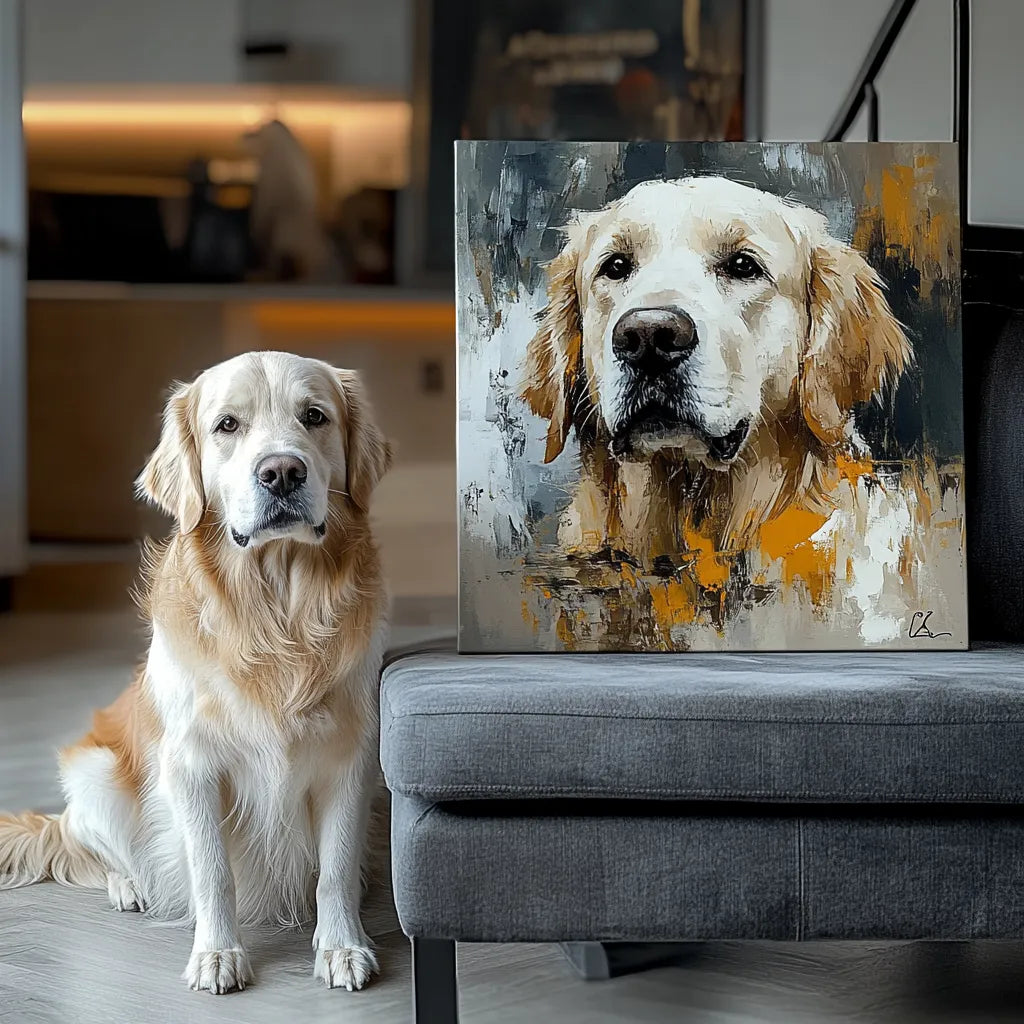
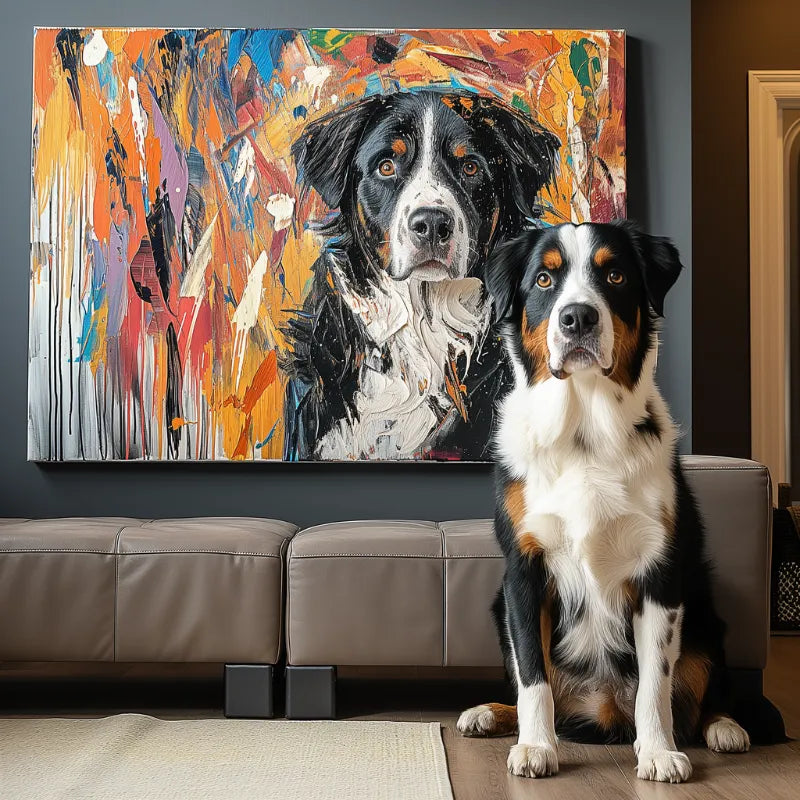

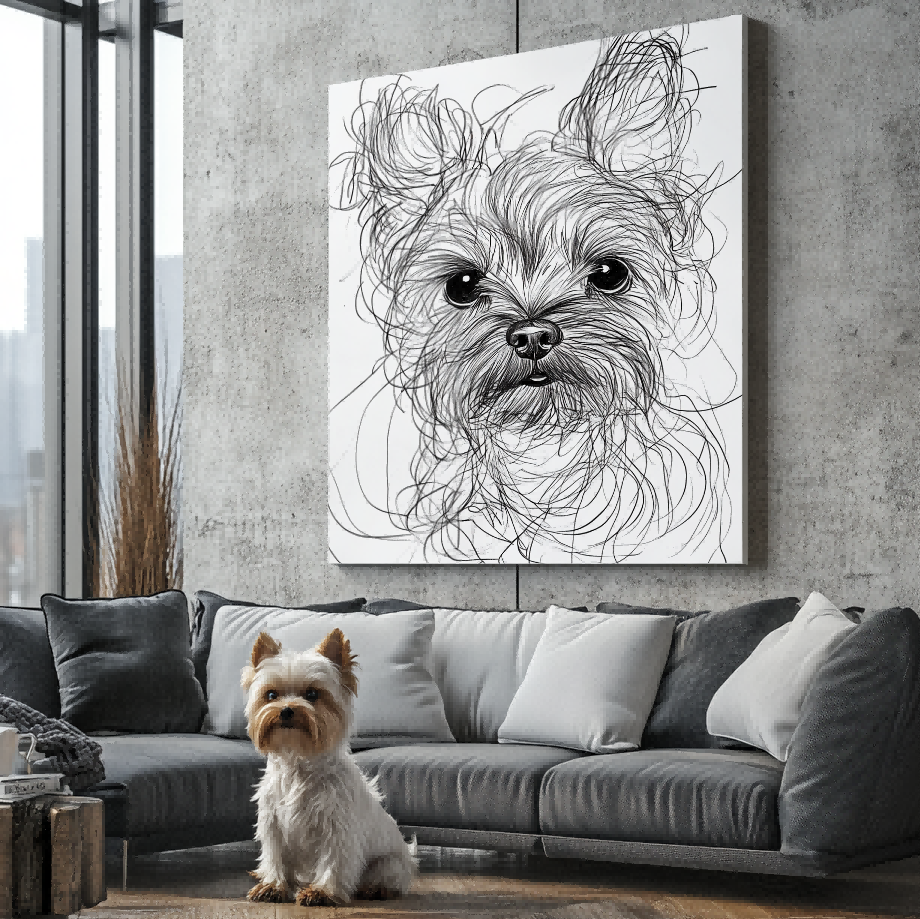

One clear photo may be enough for a custom pet portrait, but extra reference photos can help answer specific questions about markings, coat color, ear shape, or details hidden in the main image. The safest approach is usually to choose one lead photo for pose and expression, then add only supporting images with a clearly defined job.
Do not assume that every seller can combine the face from one image, body from another, and lighting from a third. That is a production capability that must be verified on the current service. This guide helps you prepare evidence without promising a particular editing method.
Choose one image to lead the composition
The lead photo should establish the head angle, expression, camera height, crop, and overall pose you want. It should show the pet clearly enough that the seller does not need to guess the eye area or face shape. When several photos compete for the lead, conflicting angles can make the request less clear rather than more complete.
Ask yourself which image feels most like the pet. Technical perfection helps, but a sharp photo with an unfamiliar expression may be less useful than a clear everyday look the owner recognizes immediately. The Best Photo checklist can help you select the lead.

Add a second photo only when it answers a question
A supporting view may reveal the far ear hidden in the lead image, the true color of a coat photographed under warm indoor light, or a distinctive patch obscured by a collar. Label that purpose in the order notes. “Use photo one for the pose; photo two only shows the white mark on the chest” is clearer than uploading ten unexplained images.
Keep the pet’s age and appearance consistent. If one image is from puppyhood and another is from later life, explain which stage the portrait should represent. The same applies after a haircut, seasonal coat change, or medical procedure.
Do not mix incompatible expressions or angles silently
A mouth-open photo and a mouth-closed photo can change the entire face. An image taken from above can shorten the body, while an eye-level photo preserves different proportions. If the lead image is a side profile, a front view may help identify markings but should not quietly replace the chosen angle.
If you want features combined across images, ask before ordering whether that request is supported. Describe the desired result and wait for a clear answer. More reference files do not automatically create permission or technical ability to reconstruct unseen anatomy.
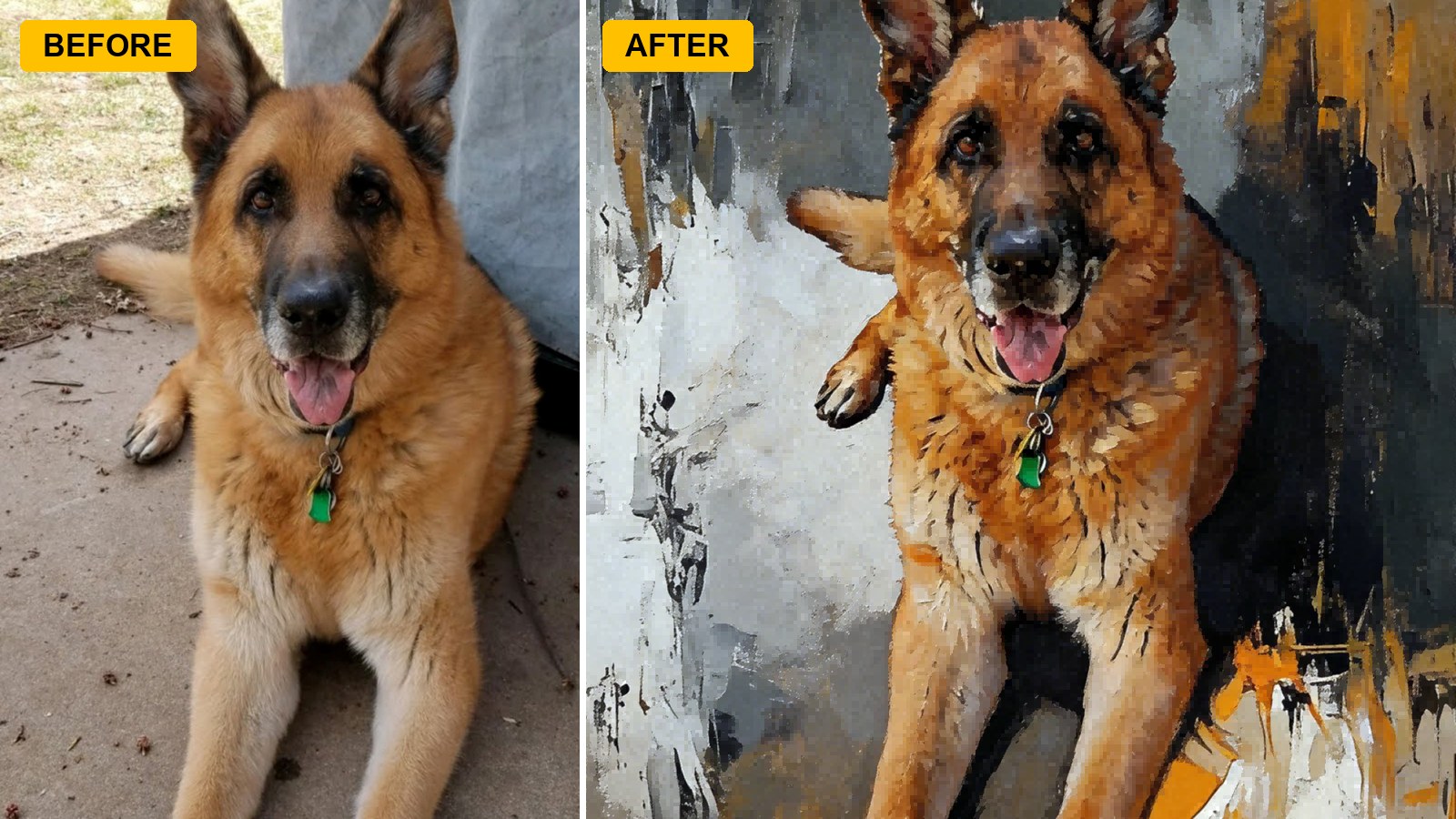
Three useful supporting-photo roles
Color reference: a neutral-light image that shows coat or eye color more reliably than the lead photo. Marking reference: a view that reveals a patch, scar, ear edge, tail pattern, or other identifying feature. Shape reference: a second angle that clarifies muzzle length, ear position, or body build while the lead image remains the composition source.
Do not add near-duplicates simply to reach a number. Two or three purposeful images can be more useful than a camera roll of almost identical frames. Check the service’s upload limit and accepted file types before preparing the set.
Multiple photos of one pet are not a multi-pet portrait
Reference-photo count describes the evidence supplied for one subject. Multi-pet composition describes how several animals appear in the final artwork. If you need several pets combined, use the separate-photo multi-pet guide and verify current composition support.
Likewise, choosing one shared multi-pet artwork versus separate portraits is a display decision, covered in the one-versus-separate portrait guide.
Prepare a clean submission
Use descriptive file names such as “MAIN-pose,” “SUPPORT-coat-color,” and “SUPPORT-left-ear.” Avoid filters, screenshots of tiny thumbnails, and files forwarded repeatedly through messaging apps when the original is available. Confirm that you have permission to upload every image.
Common reference-set mistakes
No lead image: every photo shows a different pose, leaving the intended composition unclear. Conflicting life stages: puppy and adult features are mixed without stating which age to depict. Color confusion: indoor, outdoor, and filtered images show different coat colors with no reliable reference. Hidden identity: all images miss the same ear, eye, or marking.
A short written note can solve much of this. Identify the lead, explain each supporting image, and state which details are essential. Do not ask the seller to “use the best parts” unless they have confirmed that kind of composite request.
What if the favorite photo is weak?
Keep it as an expression or memory reference only if the service accepts that role. Supply a sharper authorized image for details, but do not assume the pose and face can be rebuilt across files. If the seller says the request is not reliable, choosing a different lead photo is safer than turning missing information into guesswork.
For an older or irreplaceable source, the older pet photo guide provides a separate checklist.
Before placing an order, ask the seller which photo will control the pose and whether supporting images can be used in the way you intend. Then explore current portrait formats and rely on the live product and upload terms.


