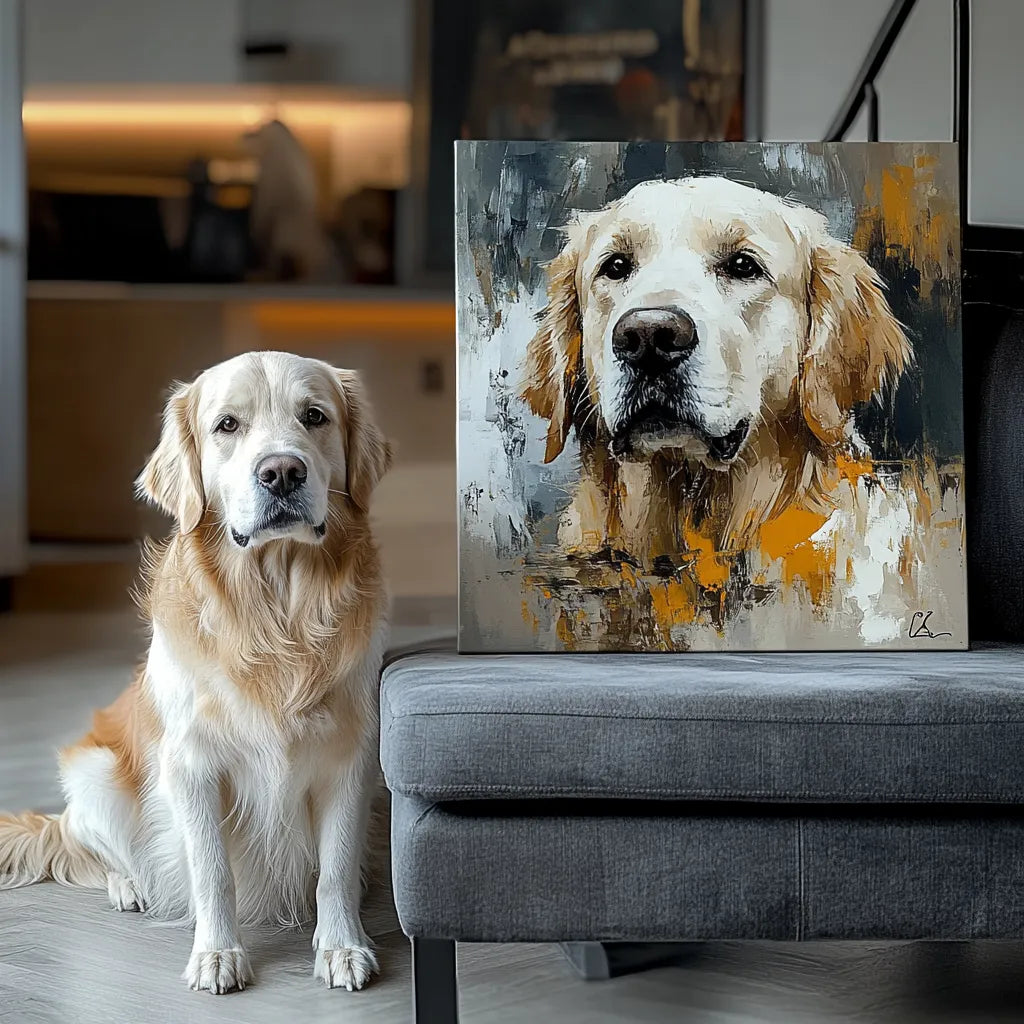
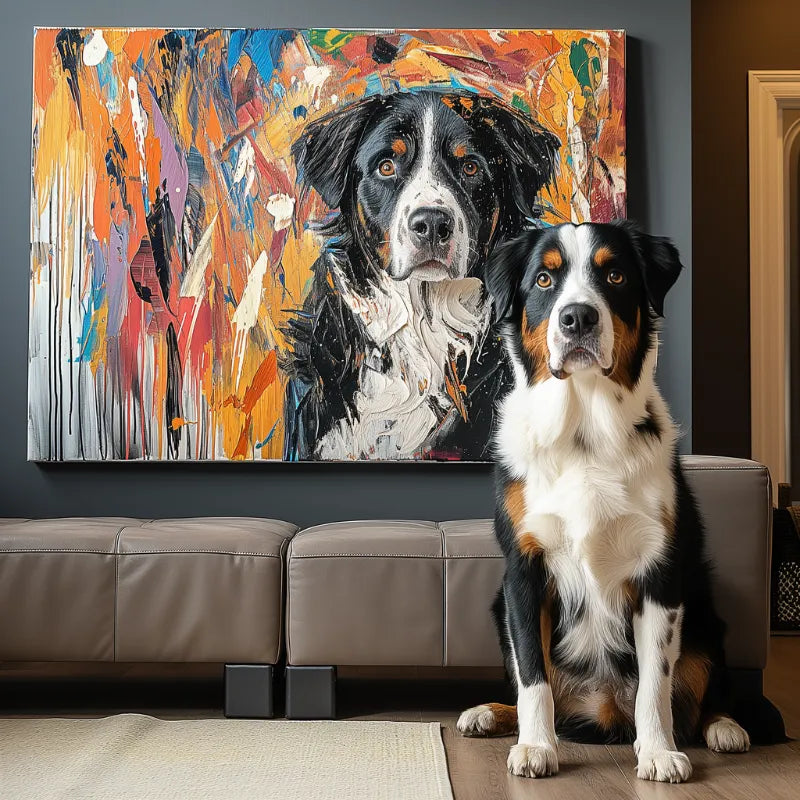
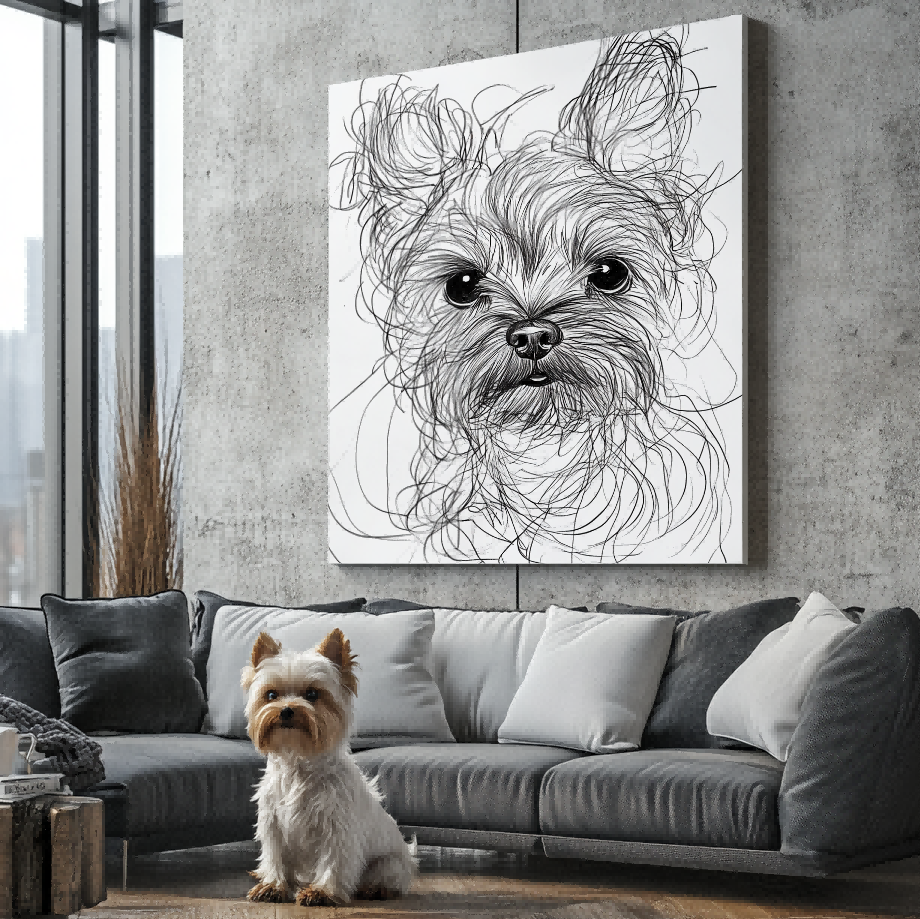
Direct answer: A pet name can be included when the selected personalized tote design supports name or text personalization. Confirm the exact spelling, placement, and artwork preview before approval. The name should support the pet image, not crowd the face or become unreadable when the bag is carried.
Begin with the current personalized pet tote bag collection and verify the chosen design and personalization fields. Do not assume every style uses the same text layout. The live product configuration and approved artwork are the authority for the final tote.
Choose a name treatment with a clear purpose
Most buyers use the pet’s everyday name. A short nickname can also work when it is recognizable and easy to spell. Multiple lines, dates, or long phrases may compete with the image on a practical bag. Decide whether the name is an identifier, a gift detail, or a memorial element.
Submit the exact final spelling. Check capitalization, punctuation, spaces, and apostrophes. If several pets appear, identify which name belongs to which pet and how the order should read.

Keep the pet as the primary visual entity
The pet image should remain the first thing a viewer understands. Text can sit below or beside the artwork when there is enough open space. Large lettering across the face, ears, or important markings weakens both identification and visual balance.
A tote moves, folds, and is viewed from different distances. Use a name size that remains legible without depending on very fine strokes. A screen preview should be assessed at both full size and a smaller view.
Match the artwork to the bag dimensions
Review the pet portrait tote bag size guide before finalizing the layout. Palette Tales currently documents 14 × 16 inch and 16 × 12 inch tote formats for relevant products. A taller and a wider format create different space for a portrait plus name.
Do not assume that the same crop and text position can simply be stretched between formats. The artwork should be composed for the selected orientation.
Use a clear source photo
The photo still controls how clearly the pet appears. Follow the pet photo checklist for focus, lighting, eye visibility, and coat markings. Leave enough space around the face so the artwork and name can be balanced without clipping important features.
Use one primary photo and make it clear which additional images are only references for color or markings. Avoid filters that materially change the pet’s appearance.

Confirm the material separately from the artwork
Current Palette Tales tote product descriptions identify cotton construction for relevant tote products. That material fact is separate from the pet artwork and name personalization. An artwork preview does not prove fabric weight, handle construction, or another physical feature.
Check the current product page before ordering because the selected product remains the source of truth for dimensions and material. Avoid treating a gallery image as evidence for an unshown bag specification.
Review everyday-use considerations
The custom pet tote bag everyday-use guide helps buyers consider how the bag will be carried. A name may be more visible on a simple centered composition, while a detailed background can make small letters harder to distinguish.
Approve the name in the artwork preview
Use the preview and revision process to check spelling, position, contrast, scale, and relation to the pet image. If the name needs correction, request it during the review stage rather than after approval.
Keep artwork evidence and product evidence separate. The preview shows the intended design. Verified product images show the tote format. Neither should be described as a specific customer’s final order unless that relationship is documented.
Personalized tote approval checklist
- The selected tote design supports the requested personalization.
- The pet name is final and correctly spelled.
- The source photo is clear and not tightly cropped.
- The layout matches the selected tote orientation.
- The name remains secondary to the pet.
- The preview shows acceptable contrast and edge spacing.
- Current size and material facts are verified on the product page.
Frequently asked questions
Can I add more than one pet name?
Only when the selected design supports the request and the layout remains readable. Identify each pet clearly and confirm the full arrangement in the preview.
Should the name be above or below the portrait?
The best position depends on the photo crop and open space. Below the portrait is common, but it should not be treated as a universal template.
Will the preview show the physical fabric?
No. The preview is artwork evidence. Use current product information and verified product images for physical details.
What if I notice a spelling error?
Request the correction before approving the artwork. Verify the final version letter by letter.
Consider how the bag changes while carried
A tote is not a flat wall display. Fabric bends, the bag may be partly filled, and handles affect how the upper area is seen. Keep important facial features and the pet name away from extreme edges. A centered, well-spaced layout is generally easier to understand while the bag is in use.
Review the preview as a whole instead of zooming only into the letters. The name, pet, and available space should still read as one composition when the image is reduced.
Final decision
Add a pet name when it makes the tote more meaningful and the selected design supports it. Keep the wording simple, protect the pet’s visual priority, and approve the final spelling and placement in the preview.