

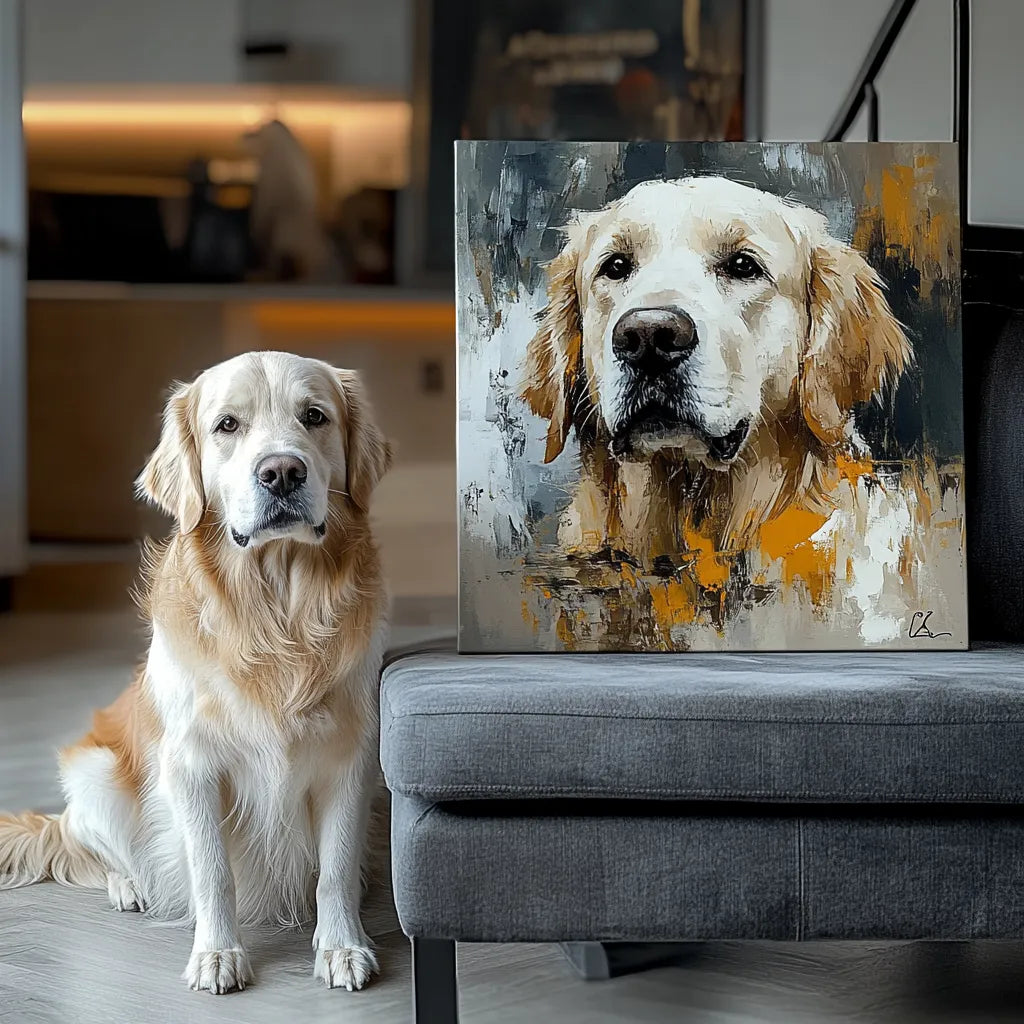
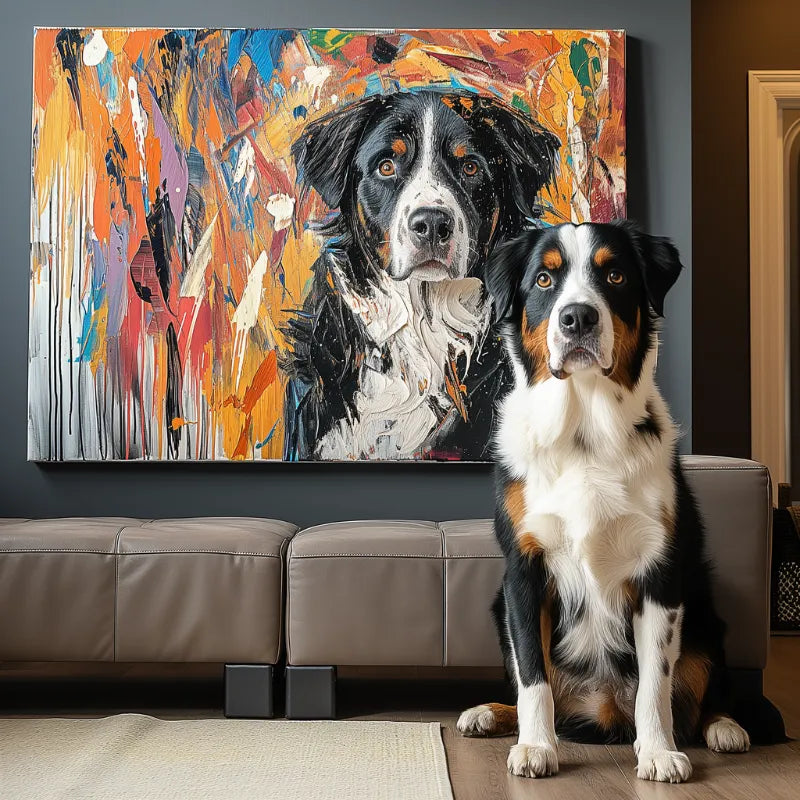

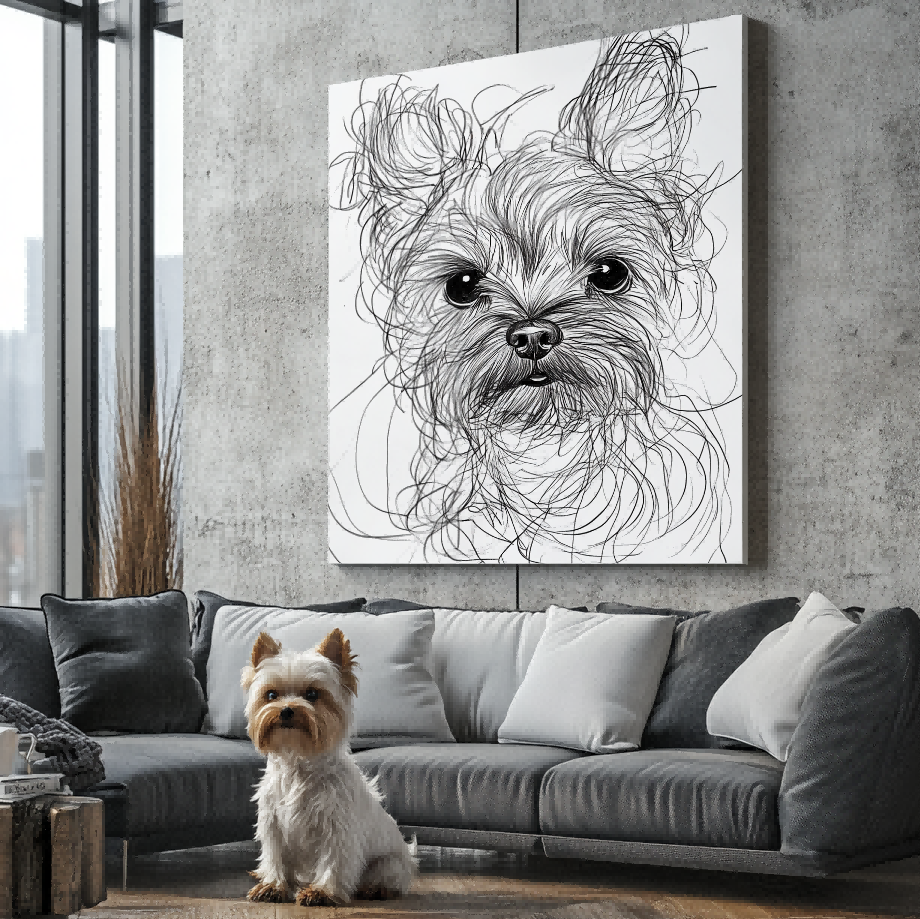

Direct answer: When you receive customer preview artwork for a pet portrait, review the visible likeness, crop, balance, and any requested wording before you approve it. Keep the review specific: compare what you can see against the reference photo and order details, and do not assume that artwork-stage imagery proves an unshown physical feature.
The custom pet portrait preview and revision process explains the broader workflow. This checklist is narrower: it helps you turn the moment of review into a clear set of visual checks.
1. Start with recognizable pet features
Look at the face before you look at decorative details. Ask whether the eyes, muzzle, ear shape, coat markings, and expression still feel like the pet. Compare against the original image at a comfortable size instead of relying on memory alone.
If a pet has a distinctive marking or a feature that matters deeply to the household, make it part of the specific review rather than assuming a general request covers it.
2. Check the crop and breathing room
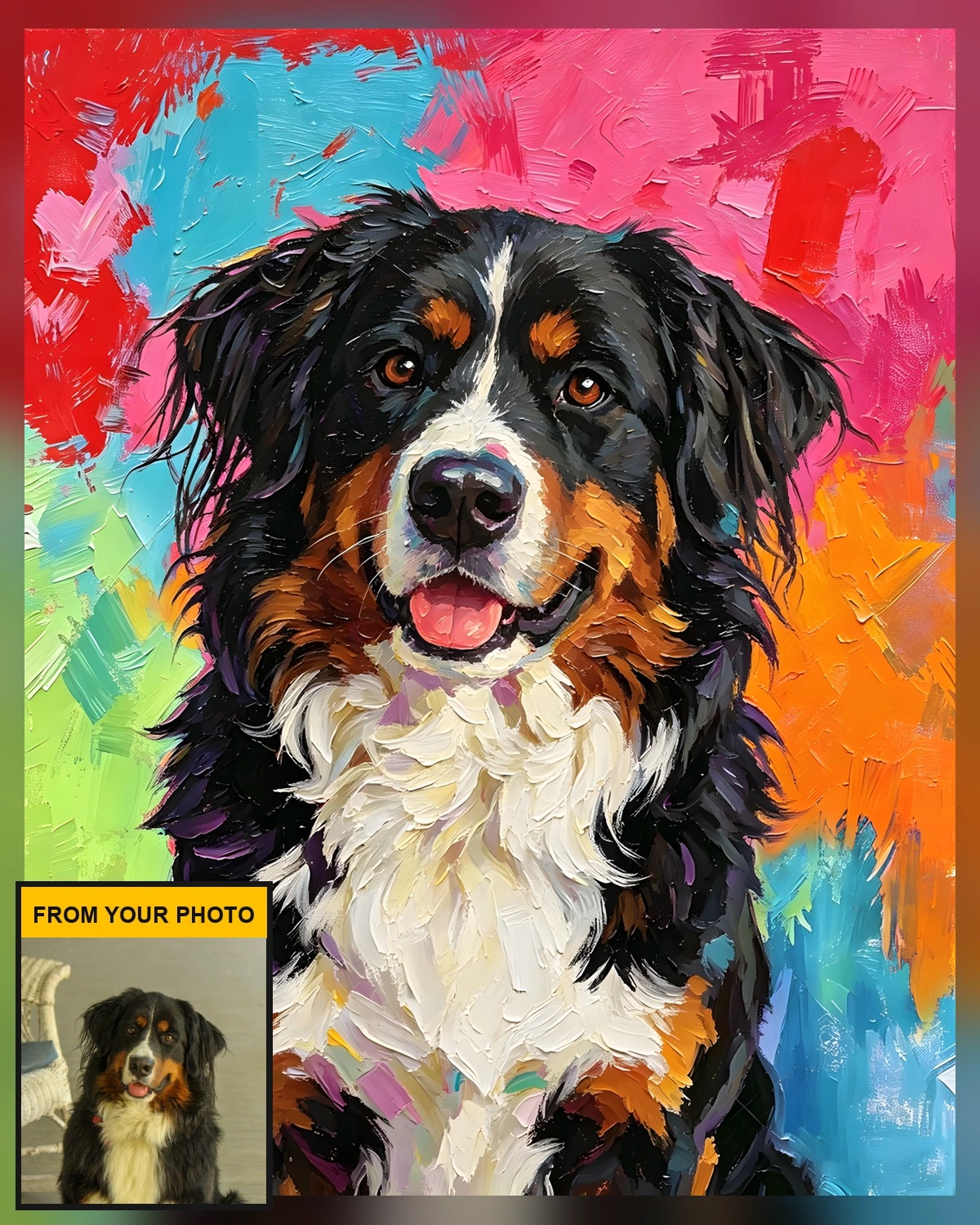
Make sure important areas such as ears, whiskers, paws, or a meaningful pose are not accidentally pushed against an edge. A balanced crop does not have to include every part of the pet, but the chosen framing should feel intentional rather than cramped.
Use the source photo to distinguish an artwork choice from a detail that was simply not visible in the original image. If the reference was already tightly cropped, a new photo may be more useful than trying to guess what was outside the frame.
For help selecting the source image in the first place, see the best photo for a custom pet portrait guide. It owns photo selection; this checklist begins after an artwork preview is available to review.
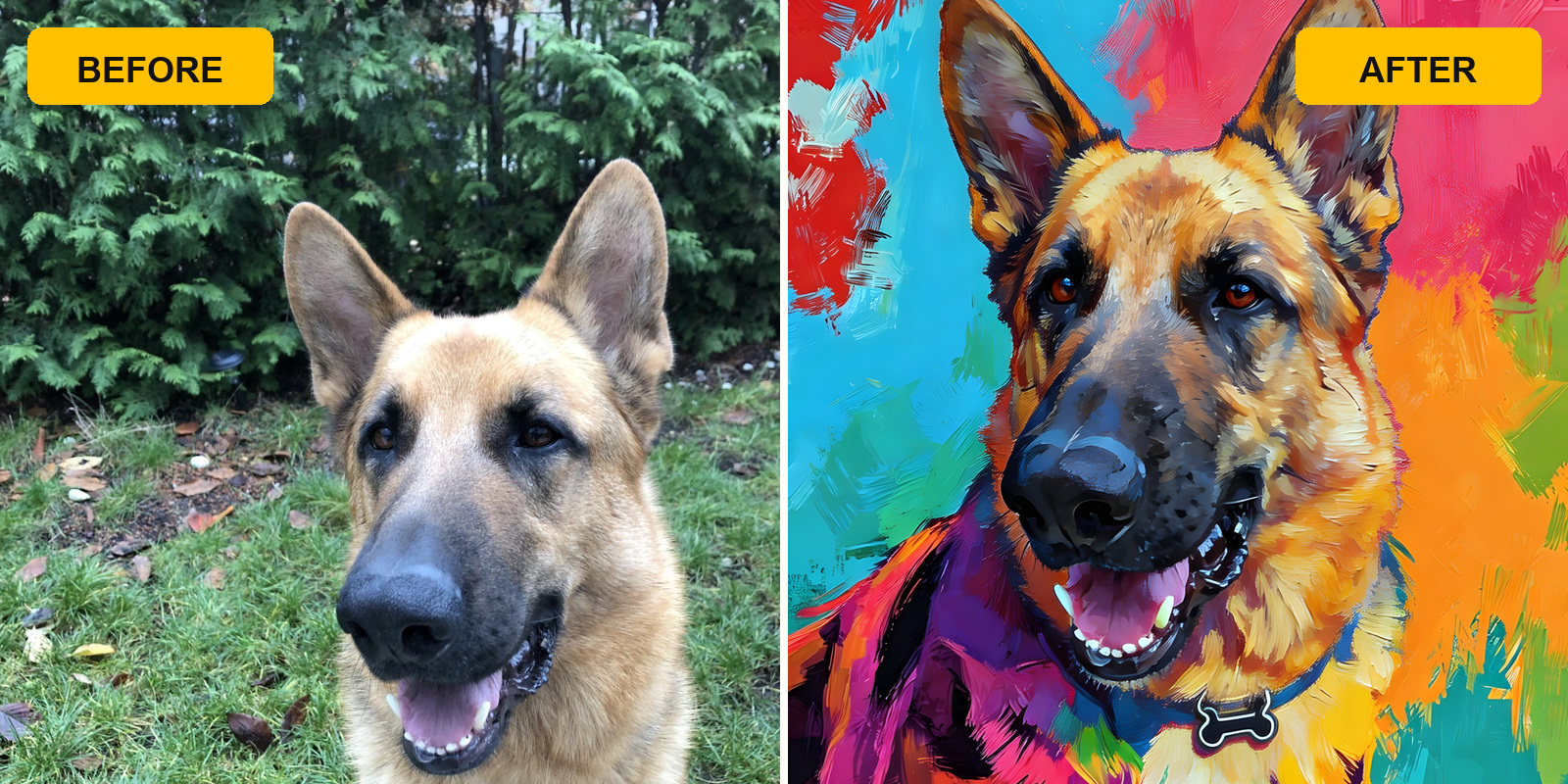
3. Review the visual direction as a whole
Check whether the chosen style, colors, and overall composition support the pet rather than distracting from it. The purpose is not to demand that every example match another customer’s image; it is to confirm that the visible direction works for this pet and this order.
If home placement is part of the choice, use a separate style or size guide for that decision. Do not try to infer room fit, framing, material, or delivery details from a preview image.
The pet portrait style guide for a home is a useful related reading path once the pet’s visible likeness has been checked.
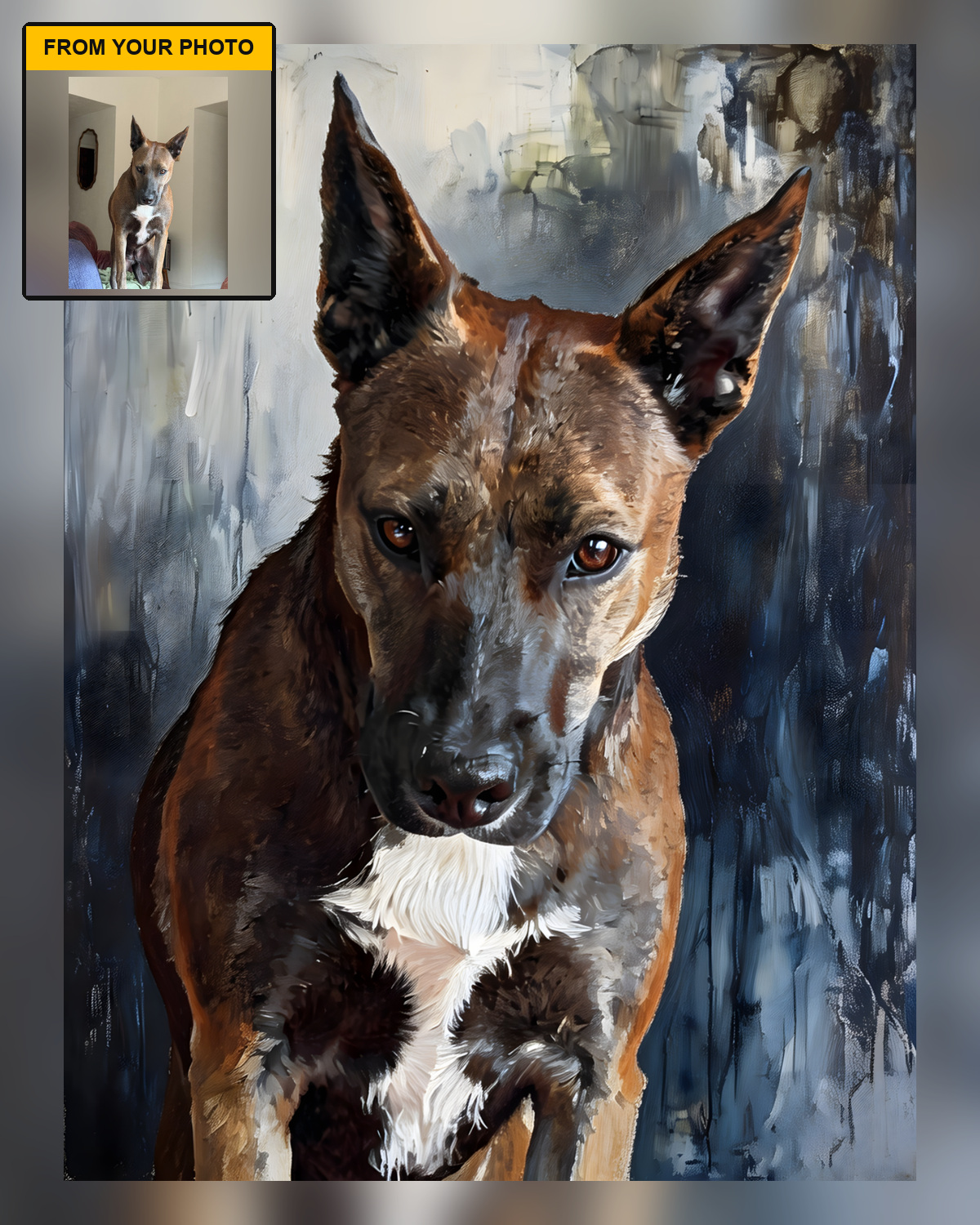
4. Keep a visible detail separate from a product claim
A customer preview can show the pet, artwork crop, color direction, and the balance of requested wording. It does not by itself show the physical material, print finish, delivery timing, or a product feature that is not visible in the artwork. Keep those questions separate and use the current product page when you need a current product fact.
This distinction makes the review more useful: you can approve or query the visible artwork without treating an image as evidence for something it does not show.
For more real artwork-stage examples, visit the Customer Preview Gallery. Gallery examples are a visual reference; they are not a substitute for the details of an individual order.
5. Use a short, factual approval checklist
- The pet’s visible features are recognizable.
- The crop leaves enough room around important details.
- Requested names or wording are spelled correctly, if present.
- The overall composition is balanced at normal viewing size.
- Any question is stated as a specific visible detail, not as an assumed production claim.
From artwork review to a portrait choice
After the artwork review is complete, visit the current custom pet portrait collection. Use the live collection and product pages for current product options. This article only addresses what can be checked in artwork-stage preview imagery.
Frequently asked questions
Does a preview prove the final product’s material or finish?
No. A preview is artwork-stage evidence. Use current product information for physical facts.
What should I compare most carefully?
Compare identifiable features, crop, composition, and any requested wording with the reference photo and order details.
Should I copy another preview’s style exactly?
No. Examples help you understand what to inspect, but every pet photo and composition has its own visible details.
Final takeaway
A useful approval is specific and visual. Compare the pet’s recognizable features, the crop, the composition, and any requested wording with the real reference information. For anything beyond the artwork itself, rely on the current product details rather than an image alone.


