

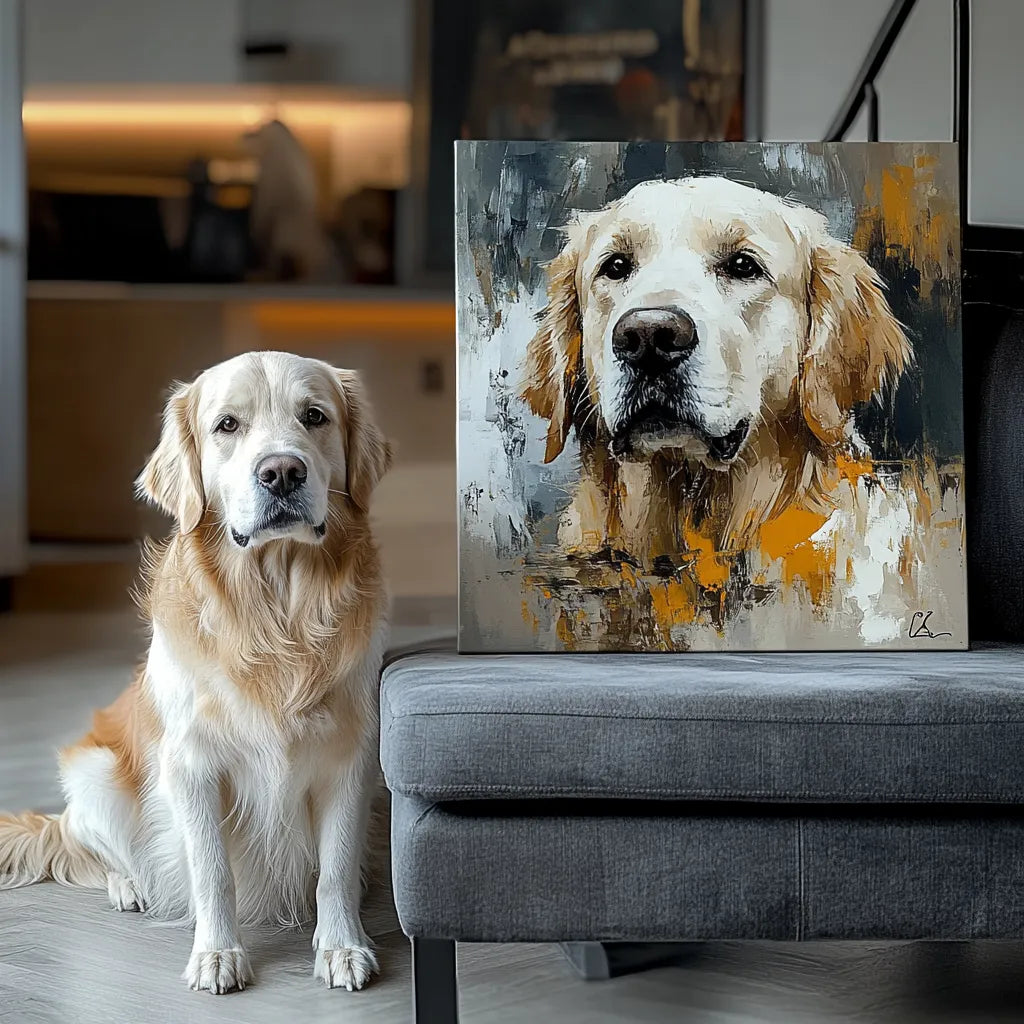
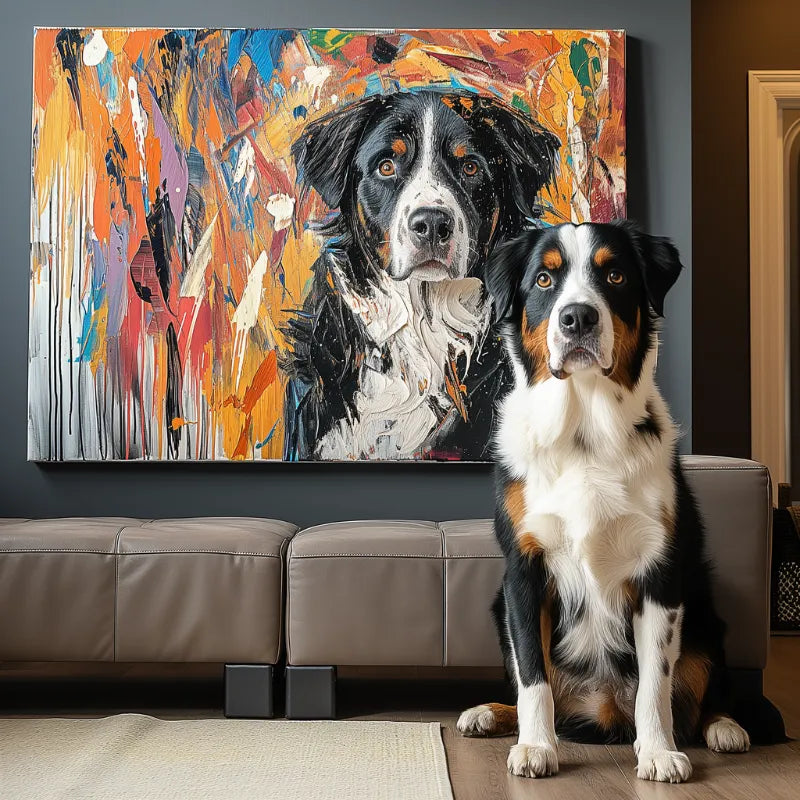

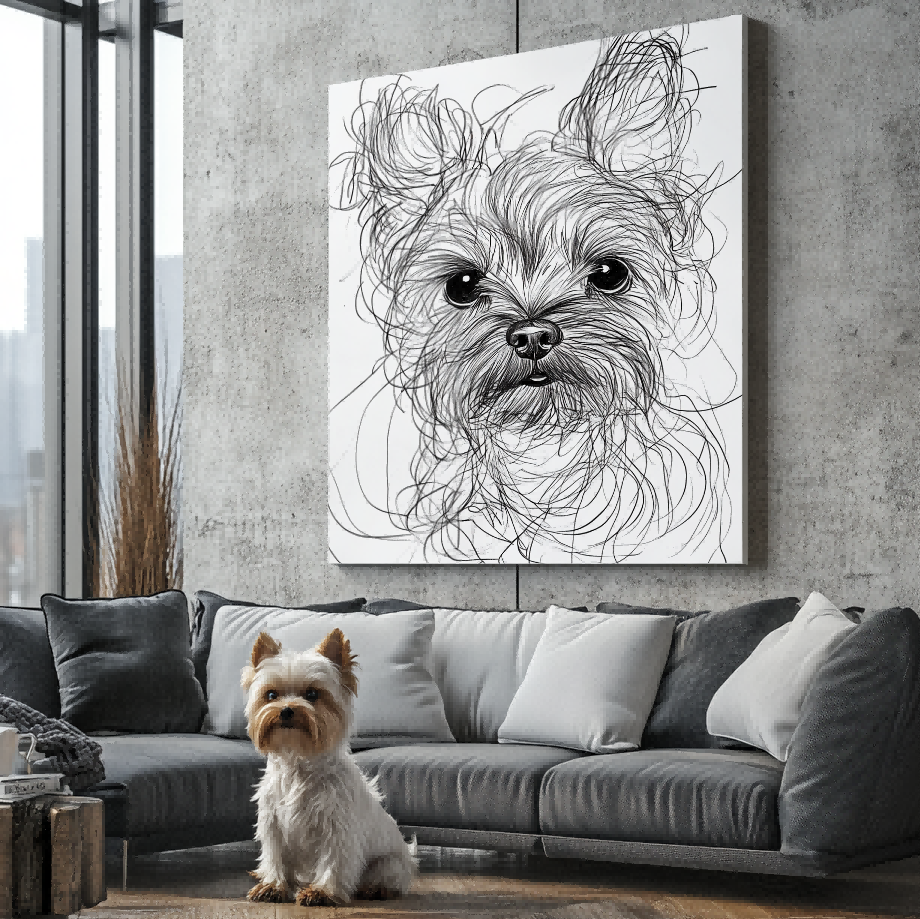

Can a Video Screenshot Work for a Custom Pet Portrait?
A screenshot from a pet video can preserve an expression or pose that never appeared in a still photograph. It also has a different limitation: one video frame may be smaller, more compressed, or more motion-blurred than the original video feels while it is playing. A good decision starts by treating the screenshot as evidence to inspect, not as an automatic yes or no.
Start with the question behind the search
This page answers a focused question rather than trying to replace a broader guide. If you need the foundational vocabulary first, read the pet portrait definition. If you are comparing a neighboring choice, use the related decision guide as a separate decision path. Keeping those questions distinct helps prevent a good article from becoming a catch-all page.

Extract the clearest possible frame
Start from the original video when it is available, pause at the strongest expression, and inspect the image at a larger size. Look for readable eyes, muzzle, ears, face shape, and the coat details that distinguish the pet. A frame that looks charming in motion may not keep enough detail when paused.
Watch for motion and compression separately
Fast movement can smear facial edges, while video compression can turn fur or markings into blocks. These issues may call for a different frame or a clearer supporting still image. The goal is to understand what is actually visible rather than to ask a later process to guess missing features.
Pair the frame with a still photo when useful
The video frame can carry the expression or pose you love, and another clear photo can help document details that the frame does not show. Confirm any current acceptance or editing capability directly with the seller instead of treating this education page as a service promise.
Build a short decision note before comparing live choices
The value of a focused guide is that it helps a reader avoid carrying an unspoken assumption into the next step. For “Can a Video Screenshot Work for a Custom Pet Portrait?,” write down the visible detail, display context, or practical concern that actually matters to you. Then separate it from the information you still need to confirm on a current page. This distinction is especially useful when search results use the same word for a style, a product family, a material-sounding label, or a delivery format.
- 1. Extract the clearest possible frame. Write one sentence about this point in relation to your own pet, room, or intended use. Doing so turns a broad search phrase into a specific comparison and reveals whether you need another photo, an example, or a current product fact before deciding.
- 2. Watch for motion and compression separately. Write one sentence about this point in relation to your own pet, room, or intended use. Doing so turns a broad search phrase into a specific comparison and reveals whether you need another photo, an example, or a current product fact before deciding.
- 3. Pair the frame with a still photo when useful. Write one sentence about this point in relation to your own pet, room, or intended use. Doing so turns a broad search phrase into a specific comparison and reveals whether you need another photo, an example, or a current product fact before deciding.
A short note also helps when more than one person is involved in the choice. One person may care most about the expression in the reference photo; another may care about how a direction fits the room or daily use. Naming both priorities gives the current product information a clearer job: it can answer what is available, while the reader keeps ownership of the personal decision.
Use the reference photo as evidence
Whatever direction you are considering, the source image should help a reader identify the pet rather than hide the decision behind a style word. The best photo guide explains how to inspect eyes, expression, markings, lighting, and clarity. The real before-and-after guide is useful context for noticing the difference between a meaningful image and a general description.

Questions to carry into the current page
Before treating any option as a match, check the information that only the live page can establish. That might include the precise style name, the product format, image requirements, material, dimensions, current price, inventory, production timing, delivery terms, or whether a particular change can be requested. A search snippet, an old article, or another store’s example cannot answer those questions for Palette Tales. Keeping these facts separate from the educational choice protects both the buyer and the meaning of the portrait.
Keep an educational guide separate from a live promise
Articles can explain how to frame a decision. They cannot confirm an exact style, product format, material, editing capability, price, inventory, production time, delivery date, or outcome. Use the Customer Preview Gallery to review visual context, then check the current portrait collection for current information. If a specific detail matters, ask it directly at the moment of choice rather than relying on a past example or a competitor statement.
A practical next step
Save one or two photographs that show the details you would want a viewer to recognise, and write down the single question this guide helped you answer. That small preparation makes it easier to compare a live option without turning a style label or a source image into a promise. A thoughtful choice is usually clearer when the visual evidence, the intended use, and the current product information all point in the same direction.


