

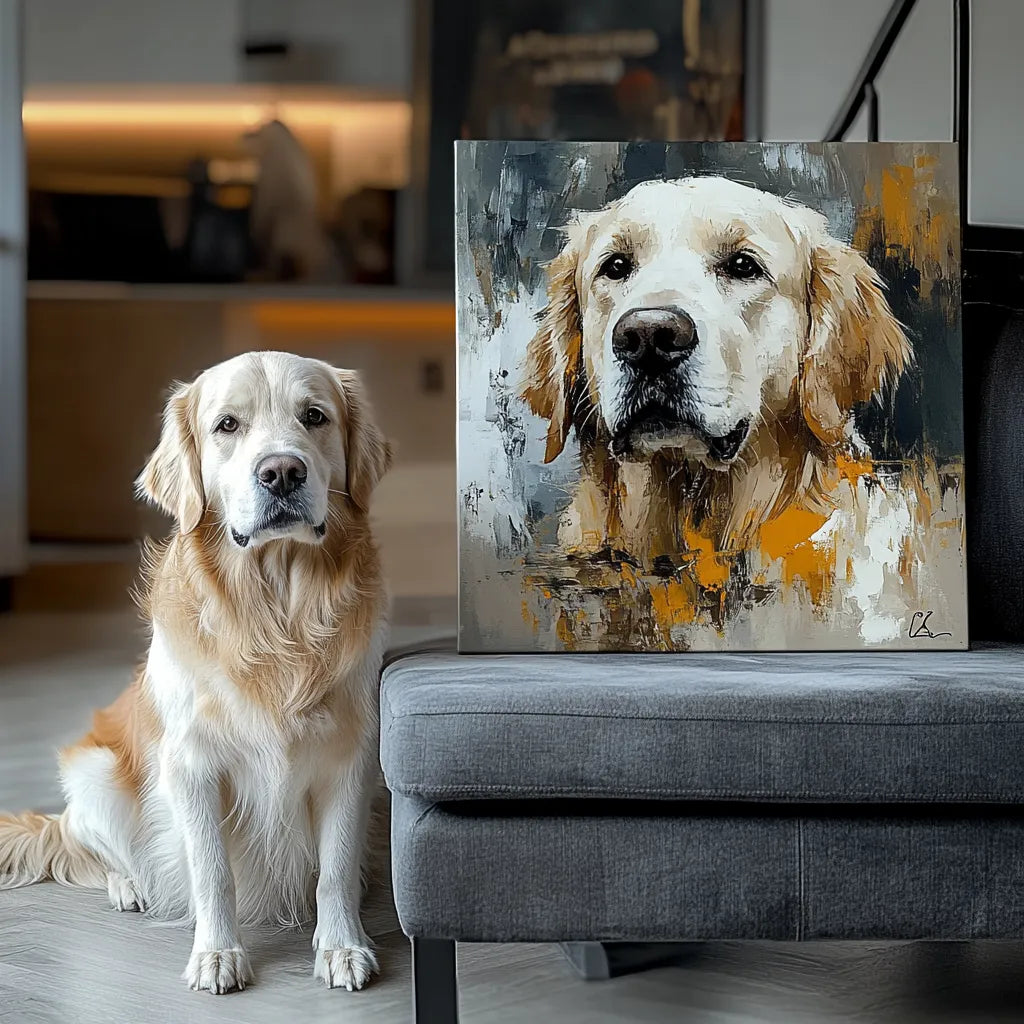
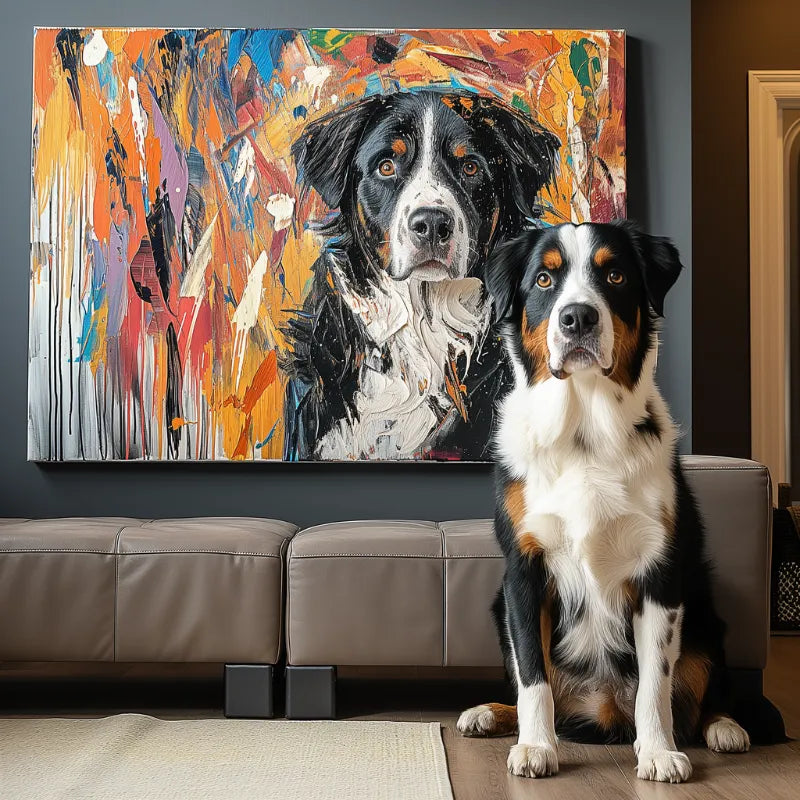

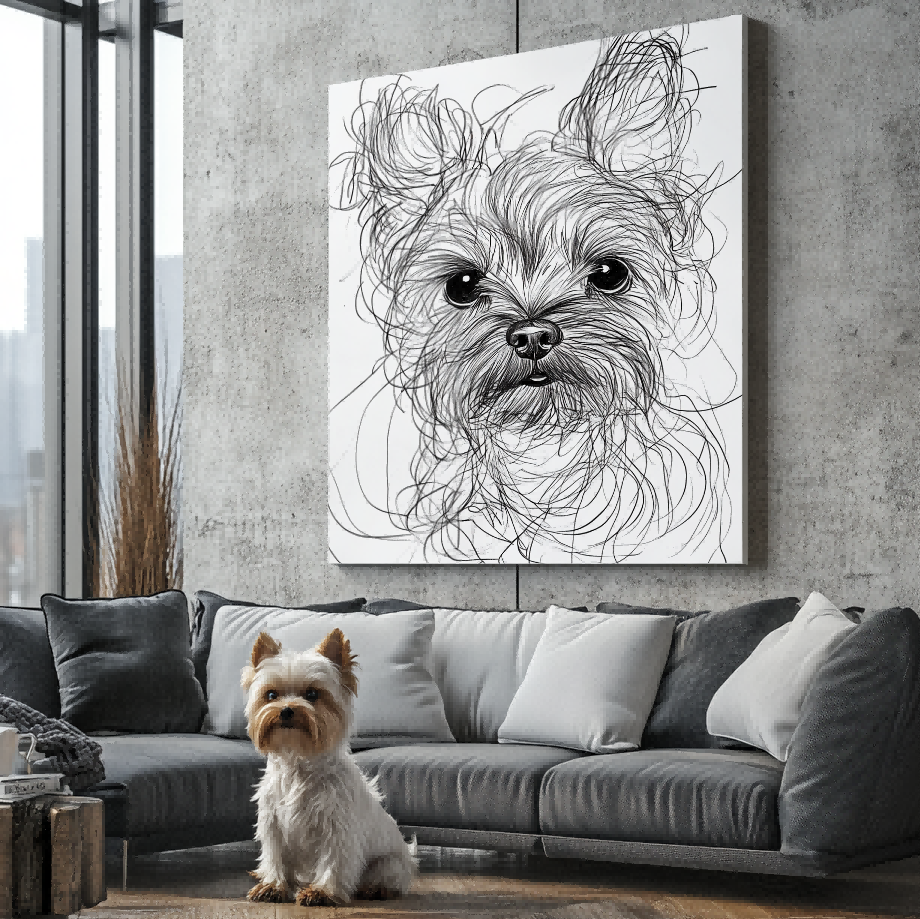

A useful cat portrait photo does not require a studio. It needs a recognizable expression, focused eyes, visible ear shape, enough room for whiskers, and light that separates the coat from the background. Cats move on their own schedule, so prepare the setting first and photograph a familiar moment instead of forcing a rigid pose.
The photo is reference evidence, not the finished artwork. Choose clarity and identity over filters or dramatic camera effects, then verify what the current portrait service can actually create from it.
Photograph at the cat’s eye level
Looking down from standing height can make the head appear large and the body compressed. Sit or kneel at the cat’s level when it is safe and comfortable. Keep a little distance so the phone’s wide-angle lens does not enlarge the nose or shrink the ears. Zooming digitally too far can reduce detail, so move carefully or crop later from a sharp original.
Use a quiet location the cat already chooses: a window seat, chair, floor cushion, or favorite resting place. A relaxed expression is often more recognizable than a perfectly centered but anxious pose.
Protect the eyes from blur and glare
Focus on the nearer eye and take several frames. Cats may turn their ears or move their head just as the shutter fires. Soft window light from the front or side can reveal eye color and face shape without the flat glare produced by direct flash. Avoid placing the cat directly in front of a bright window, where the face may fall into shadow.
If one eye reflects an unusual bright color or the pupils look very different from normal, take another photo in gentler light. Do not rely on the portrait seller to reconstruct eye detail that the reference does not show.

Leave room for ears and whiskers
Whiskers and ear tips often reach beyond the face farther than expected. Do not crop tightly in the camera. Leave space above both ears and on each side of the muzzle, then let the final composition decide how much to retain. Portrait-mode background blur can mistakenly erase fine whiskers or fur edges, so save a normal camera version too.
Check the image at full size. A thumbnail may look sharp while individual whiskers, eye edges, or tabby markings are smeared by motion or low-light processing.
Show coat pattern and silhouette
Choose a background that contrasts with the cat. A black cat can disappear against dark furniture; a white cat may lose its outline beside a bright window. The goal is not a perfect backdrop—it is a visible edge around the head, chest, and any pose you want included.
For patterned coats, make sure the important stripes, patches, points, or tortoiseshell areas are visible under neutral light. Avoid filters that shift coat or eye color. The distinctive markings guide helps identify which features need supporting evidence.
Choose a pose that feels normal for this cat
A formal seated pose may be clear, but a curled or alert window pose may feel more familiar. Decide whether the portrait should emphasize the face, the full body, or a characteristic posture. If the paws or tail are important, include them completely rather than cutting through them at the edge.
The headshot-versus-full-body guide can help you decide. Do not assume the seller can invent hidden paws, a covered tail, or an unseen side of the face.
Use treats or attention without changing the expression
A soft sound or favorite object held near the lens can encourage eye contact, but stop if it creates stress or an unusually tense stare. Keep the object outside the frame unless you want it included. Never use flash or restraint simply to force a shot. Short sessions are more likely to preserve the cat’s normal behavior.
Take a burst when the cat settles, then step away and review. One clear frame with the right expression is more useful than dozens of near-identical blurry images.
Special checks for dark, white, and patterned cats
For a dark cat, expose for the face rather than the bright window behind it and make sure the near eye does not disappear into the coat. For a white cat, avoid an over-bright background that erases the edge of the ears and chest. For tabby, calico, tortoiseshell, or pointed coats, keep the light neutral enough to show where patterns actually change.
A histogram or editing app is not required. Zoom into the original and ask whether you can distinguish both eyes, the nose edge, ear outline, and the important coat boundaries. If you cannot, move to softer light and try again rather than relying on heavy sharpening.
When a phone portrait mode hurts the reference
Artificial background blur can clip whiskers, ear fur, or the edge of a fluffy tail because the phone mistakes fine hair for background. Take one normal camera image even if you also like the portrait-mode version. The clean original gives the seller more reliable edge information.
Likewise, avoid beauty filters, face effects, and social-media compression. They can enlarge eyes, smooth fur, or change color without making the modification obvious at thumbnail size.

Before uploading
Keep the original file, remove temporary filters, confirm that you have permission to use the image, and compare two or three frames at full size. Use the full photo checklist for focus, light, crop, and file quality.
If a second image shows coat color or a hidden marking better, label it as supporting evidence and keep one lead photo for pose. Do not assume that several incompatible angles can be merged automatically.
Then explore current custom pet portraits and check the live upload requirements and supported composition. A strong cat reference makes the important details visible; it does not replace the seller’s current product facts or process limits.


