

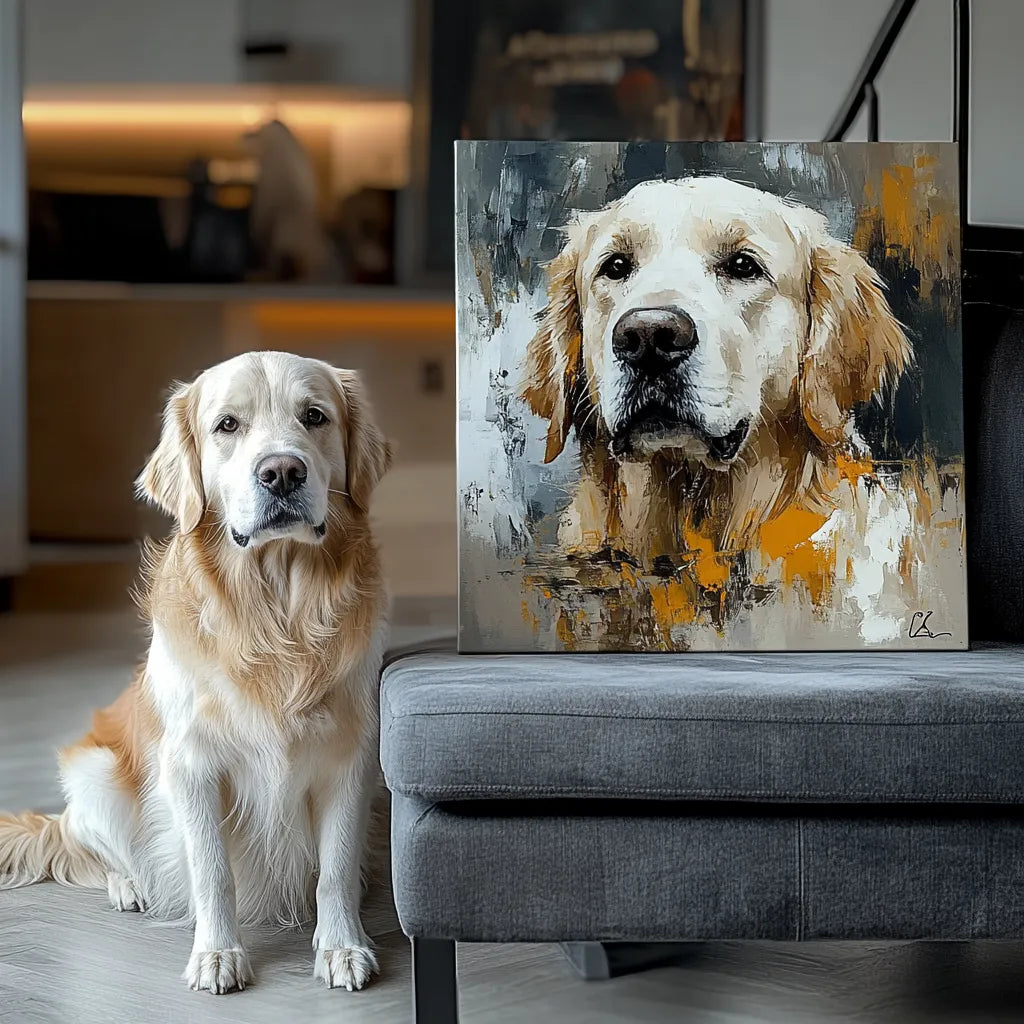
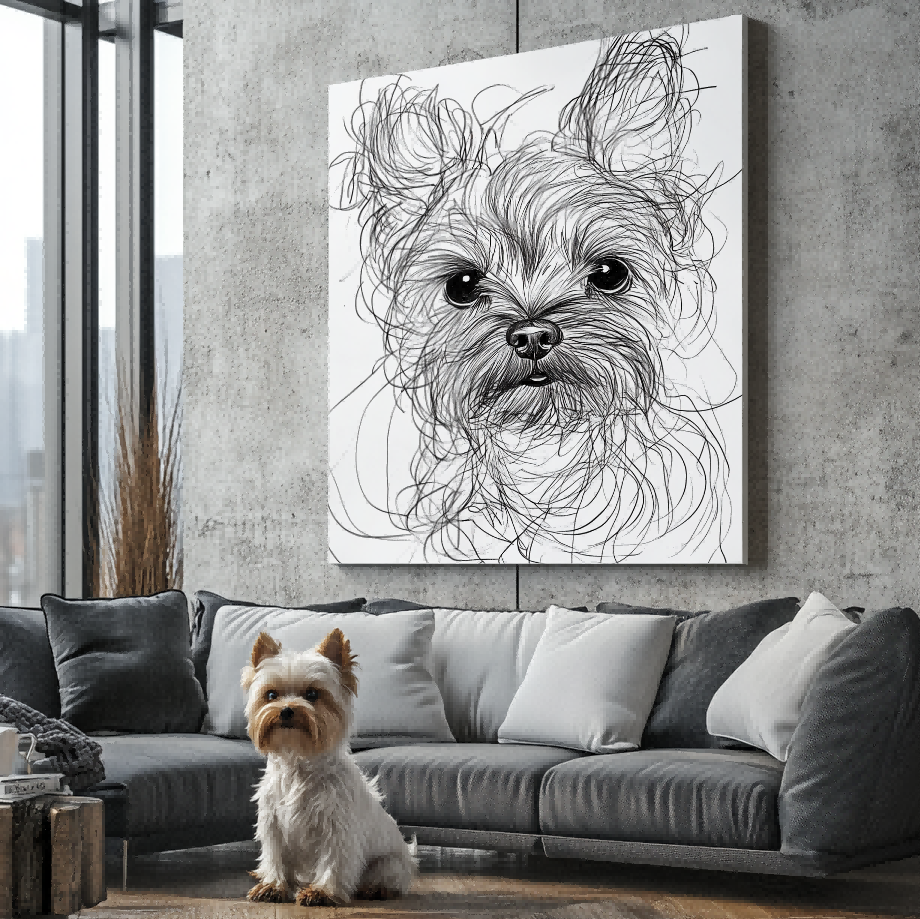
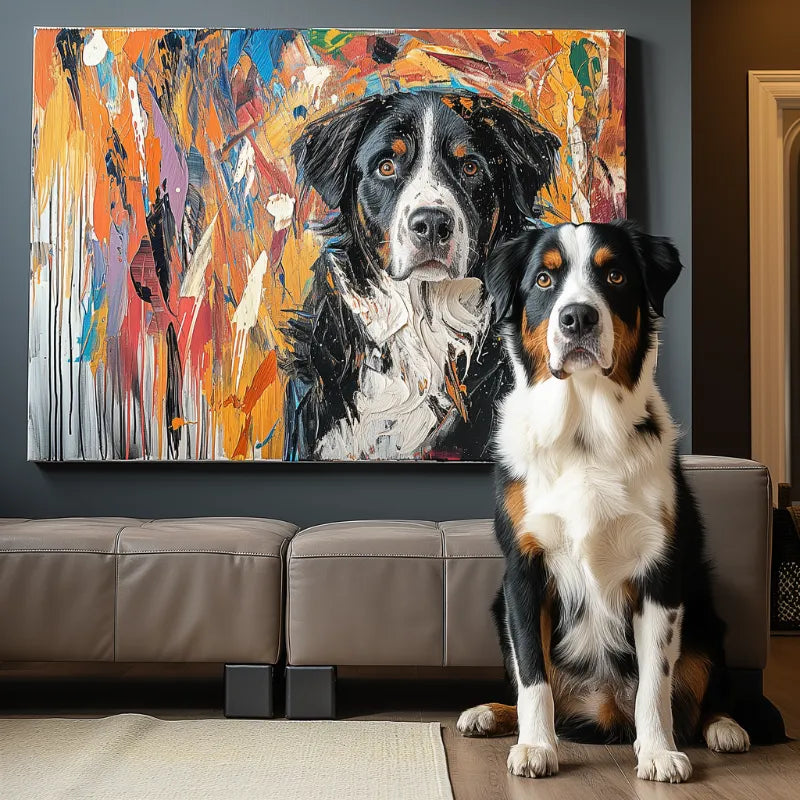


Vector and raster describe how an image is built, not whether it is a good portrait. Raster artwork uses pixels. Vector artwork uses paths and shapes. Both can depict a pet, and both can look simple or detailed on a screen. Before ordering, connect the file question to what you actually want to do with the finished artwork.
If you are buying a physical portrait and do not need a separate file, the selected size, image quality, and finished product may be the more useful questions. If you need artwork for another print project or a specific production tool, clarify the required file with that provider before commissioning anything.
Line art is a style; vector is a construction

A picture made of clean outlines can still be a JPEG or PNG. Conversely, vector artwork can contain many shapes and colors. Do not infer the source format from a minimal-looking preview. Ask whether the delivered file contains editable paths, a pixel image, or a combination.
The distinction matters when a future use needs actual shapes—for example, a production provider may ask for particular paths rather than a flat picture. A screenshot of an SVG is not a substitute for that file, and renaming a JPEG does not change its construction.
What happens when you make it bigger?
A pixel image has a finite amount of image information. Enlarging it spreads that information over a larger area; it does not reveal hidden whiskers or recover missing eye detail. Suitability depends on the source, output size, and viewing conditions rather than a single file label.
Vector shapes can scale without the same pixel-grid limitation. That does not guarantee a more recognizable pet. A crisply enlarged outline can still omit a distinctive marking. Review likeness separately from the technical format.
Why an SVG extension is not the whole answer
An SVG document can include a raster image inside it. Therefore, receiving a file named “portrait.svg” is not enough to establish that the pet itself consists of editable paths. If that distinction matters, have the intended production provider inspect the actual file or request a clear explanation from its creator.
The same caution applies to a preview: an online picture shows appearance, not everything contained in the source file. Adobe's raster and vector overview explains the basic distinction; the SVG image documentation explains why a container can include a pixel image.
Four questions before ordering
- What is delivered? A physical portrait, a separate file, or both? Do not assume file delivery is included.
- What must the file do? Name the intended output and ask its provider what it accepts.
- What is editable? Confirm whether you receive paths, layers, or a flattened image when editability matters.
- What uses are allowed? File possession does not by itself answer licensing, resale, or other-use questions.
These are questions to confirm, not capabilities promised by this article. Palette Tales' current product information governs what an order includes; this guide does not offer vector conversion or a particular downloadable file.
Keep the pet at the center of the decision
Use the Customer Preview checklist to review expression and recognizable details. Then explore Custom Pet Portraits for the available artwork and product choices. A technically suitable file and a portrait that feels like your pet are different requirements; a confident purchase checks both without confusing one for the other.


