

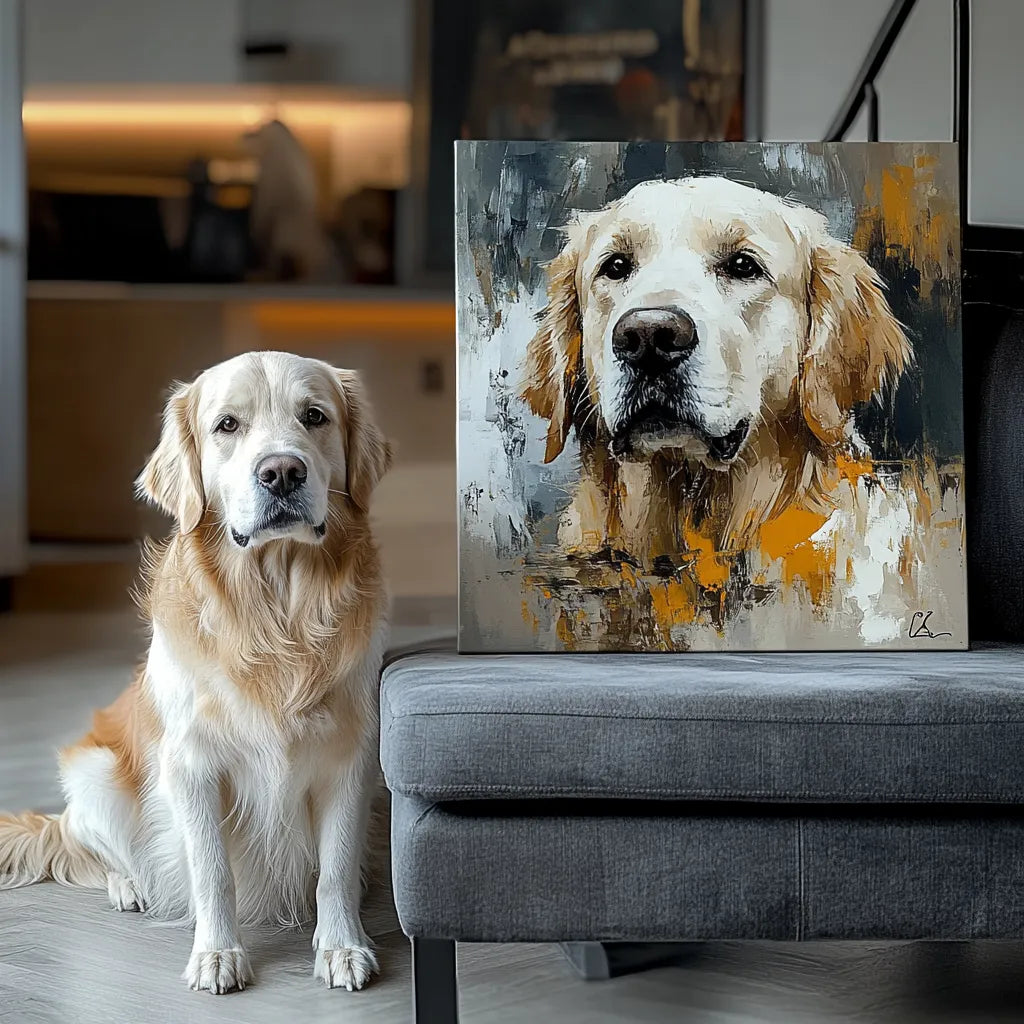
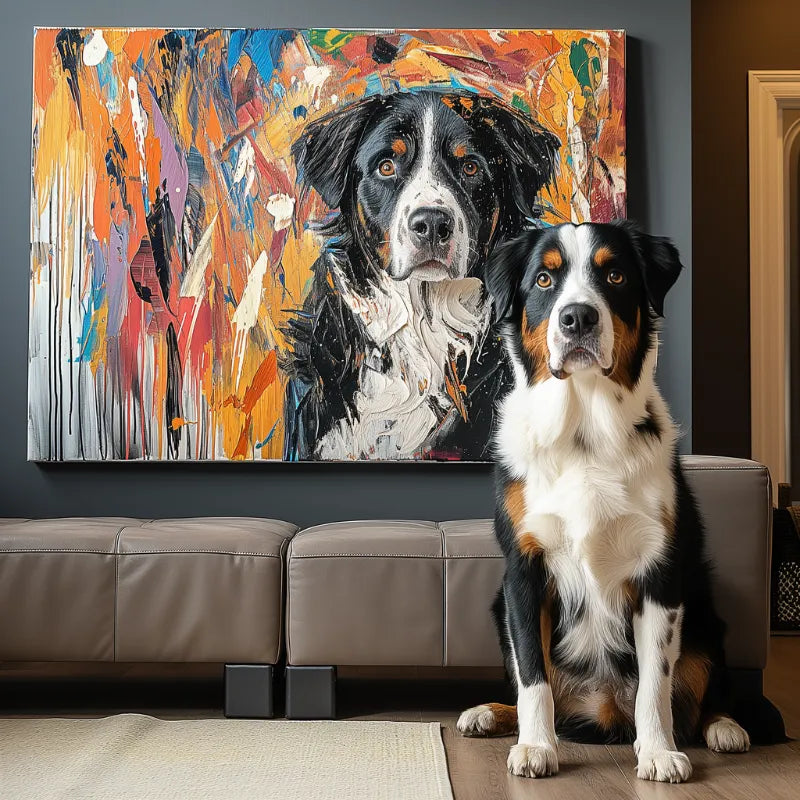

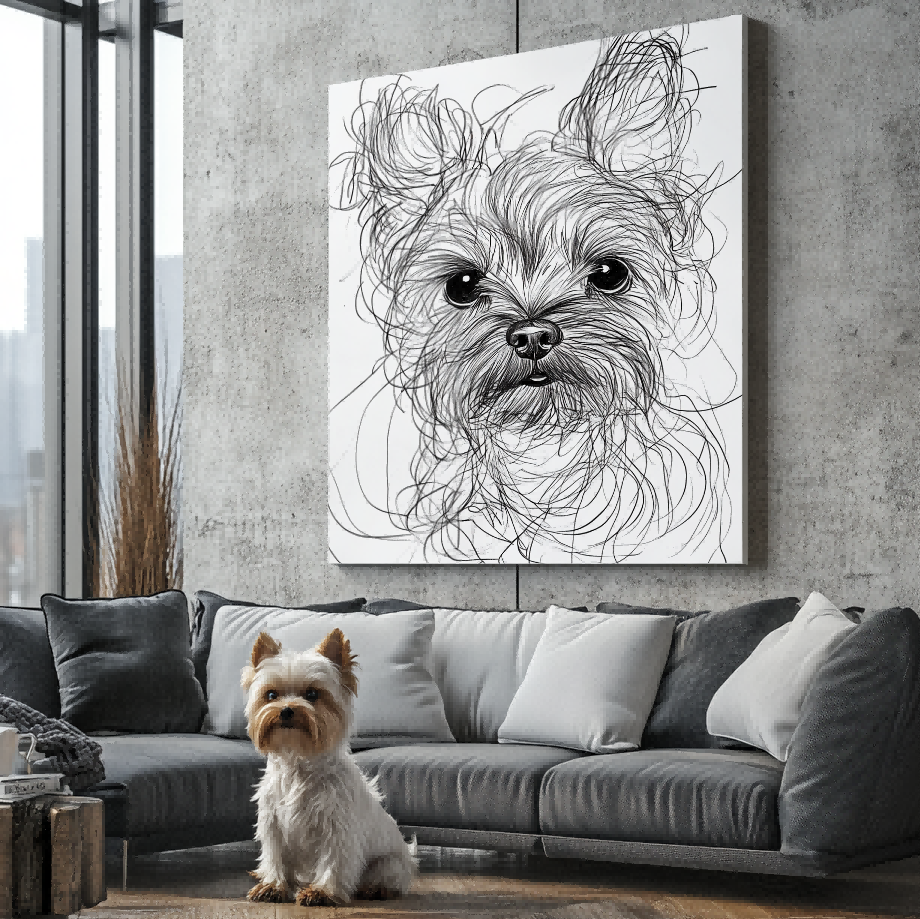

Direct answer: The best pet photo for a personalized phone case is sharp, evenly lit, and centered on the pet’s face with enough space around the ears, chin, and sides. Avoid screenshots, heavy filters, extreme shadows, and crops that place important features against the edge of the frame.
After choosing a photo, confirm the exact phone model in the custom pet phone case collection. Photo quality and device compatibility are separate checks: a strong image cannot correct a wrong model selection, and a compatible case cannot restore detail that is missing from the photo.
Choose focus before choosing pose
A playful pose is useful only when the eyes, nose, coat markings, and outline remain readable. Zoom in on the original file. If the face turns into blocks or blur before it fills the screen, the source may not provide enough detail for a confident crop.
Use the original camera file when possible. Images forwarded through messaging apps, copied from social media, or captured as screenshots may be compressed. A modern phone photo can work well when the pet is in focus and the file has not been repeatedly reduced.

Look for even light and visible markings
Soft daylight usually makes coat color and facial detail easier to read. Strong backlighting can turn the face into a dark shape, while direct flash may wash out fur texture or create bright reflections in the eyes. The goal is not a professional studio image; it is an honest reference with visible features.
The broader custom pet portrait photo checklist covers lighting, focus, and facial detail. For a phone case, add one more concern: the artwork must remain readable on a narrow object with camera and edge cutouts.
Leave room around the pet
A photo cropped tightly at the ears, paws, tail, or chest gives the composition less flexibility. Leave enough background around the pet so the artwork can be placed without forcing important features against a case edge or camera area.
If you only have a tight crop, identify which features must remain visible. A head-and-shoulders composition can work well, but the photo should still include the full ear shape and a clean outline around the face.
Use one clear primary photo
Choose one image as the main reference rather than asking several conflicting photos to control the composition. Supporting photos can clarify eye color, markings, or ear shape, but they should not introduce a different pose or lighting direction that changes the central reference.
Avoid filters that alter coat color or add artificial blur. If a filter is important to the intended look, explain that it is a style preference rather than treating the filtered color as an accurate product fact.
Confirm the exact device separately
Use the phone case compatibility guide for the model-selection question. Check the model name in the phone settings instead of relying only on appearance. Similar-looking devices can use different dimensions and camera layouts.
Do not assume a feature such as MagSafe or another accessory standard unless the current product information explicitly confirms it. This article is about photo selection, not an unsupported device feature.

Review the preview for placement, not just likeness
When the artwork preview is available, check the pet’s expression and markings, then look at scale, balance, and empty space. The preview and revision process explains how to evaluate the artwork before it moves forward.
Ask whether the face remains the visual focus and whether important details sit comfortably away from the outer edge. A preview represents artwork placement. It should not be described as the customer’s finished physical case unless that product has been verified separately.
A five-point photo check
- Open the original file and confirm the eyes and face are sharp.
- Check that lighting shows the real coat color and markings.
- Leave visible space around the ears, chin, and sides.
- Choose one primary reference and use other images only for detail support.
- Confirm the phone model, then review the artwork placement in the preview.
What to do when the favorite photo is not the clearest
It is common for the most meaningful photo to be imperfect. Compare it with other images of the same pet. A second photo may confirm eye color, ear shape, or markings even when the favorite image remains the main composition reference. Be explicit about which photo controls the pose and which images only provide supporting detail.
If every available image is heavily blurred, extremely dark, or cropped through important features, pause before ordering and ask whether the source is workable. A clear limitation is better than inventing details that are not visible.
Frequently asked questions
Can I use a screenshot?
An original photo is usually preferable because screenshots may be compressed or include interface elements. If a screenshot is the only option, check its sharpness at full size before using it.
Does the pet need to face the camera?
No, but the visible features should be clear. A side view can work when the eye, nose, ear shape, and coat outline are well lit and in focus.
Can I use more than one photo?
Use one clear photo as the main reference. Additional photos can clarify markings or color, but they should not compete with the main pose.
Where can I see artwork examples?
The Customer Preview Gallery shows customer artwork examples. Treat gallery images as artwork evidence unless a physical product format is explicitly verified.
Final choice
Choose the photo that explains your pet clearly, not simply the funniest or most dramatic image. Sharp detail, honest color, flexible edge space, correct device selection, and a careful preview review create a stronger foundation for a personalized phone case.


